19
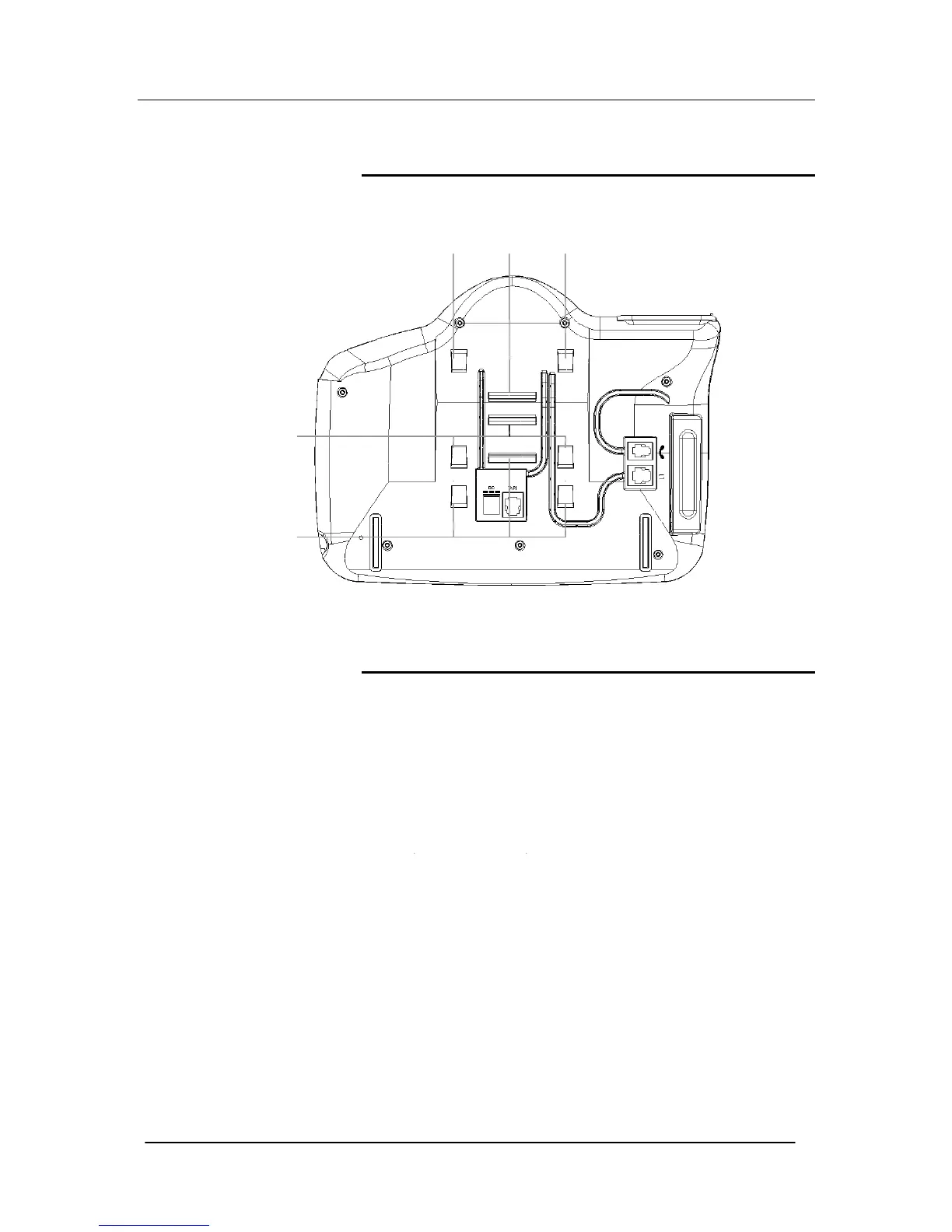
Attaching the Featurephone desk plinth
The desk plinth allows you to mount the Featurephone at two
angles.
Wall-mounting a Featurephone
The phone plinth is inverted on the base to wall mount the phone.
Locate, drill and plug the 2 screw locations as shown below. The
holes should be deep enough to accept a 1-inch screw. Insert the
two screws leaving sufficient space to clip the base over them.
Locate the phone and base over the screws.
all mount Plinth
osition
Plinth position 20 °
Plinth position 35°




 To Next Page