120
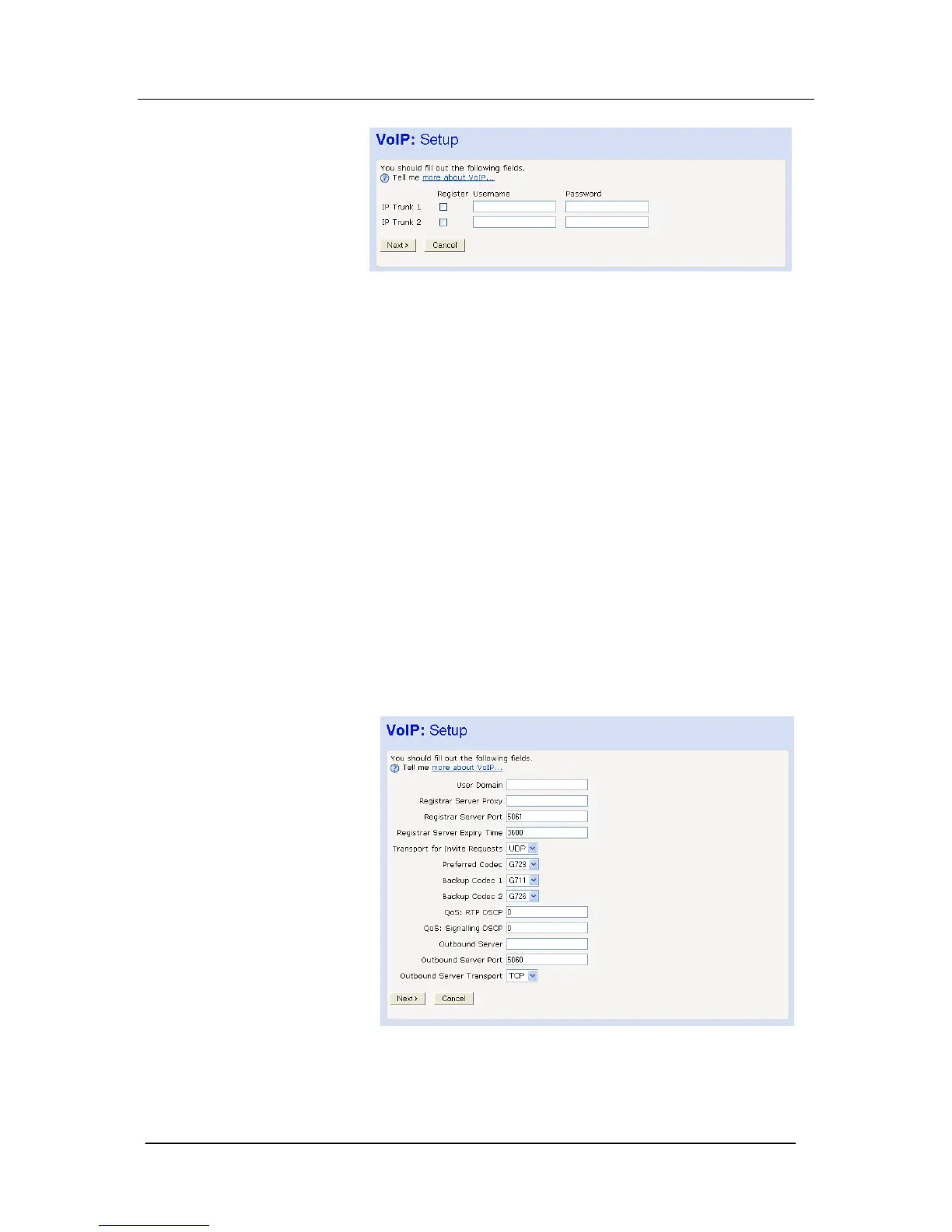
Username
Use this field to enter the SIP username as supplied by your VoIP
service provider.
The endpoint name may be any alphanumeric string of up to 50
characters.
Password
Use this field to enter the SIP password as supplied by your VoIP
service provider.
The endpoint password may be any alphanumeric string of up to 50
characters.
Register
Select/Deselect this Check Box to Enable/Disable the particular
VoIP account.
Advanced VoIP Settings
Your system uses Session Initiation Protocol (SIP), an
internationally recognized standard for implementing Voice over
Internet Protocol (VoIP).
You should have registered with your VoIP service provider for a
SIP account.
Select Change Advanced VoIP settings here





 To Next Page