82
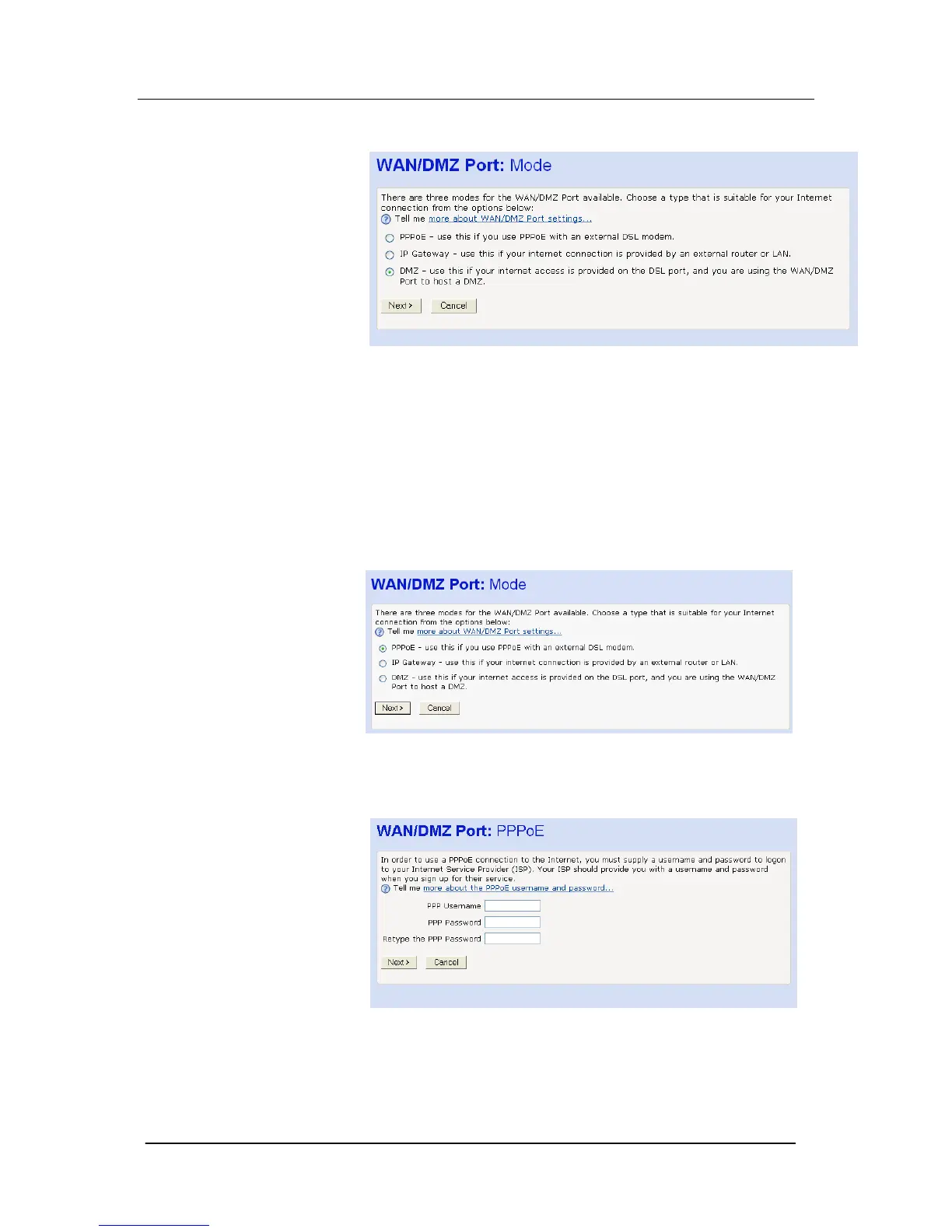
3. Select the Change the WAN/DMZ settings here. The following
screen is displayed
Three options are presented.
PPPoE, IP Gateway, DMZ.
PPPoE to connect to an external ADSL modem
PPPoE is used when connecting to an external ADSL modem. As
the Mitel 1000 is equipped with an ADSL modem we recommend
that the internal modem be used rather than an external ADSL
modem. In this case go to ASDL Modem configuration on page 70.
If you wish to use the external ADSL modem proceed as follows:
1. Select “PPPoE”. Click Next.
2. The following screen is displayed: Enter a Username and
Password. Retype the Password. Select Next.





 To Next Page