83
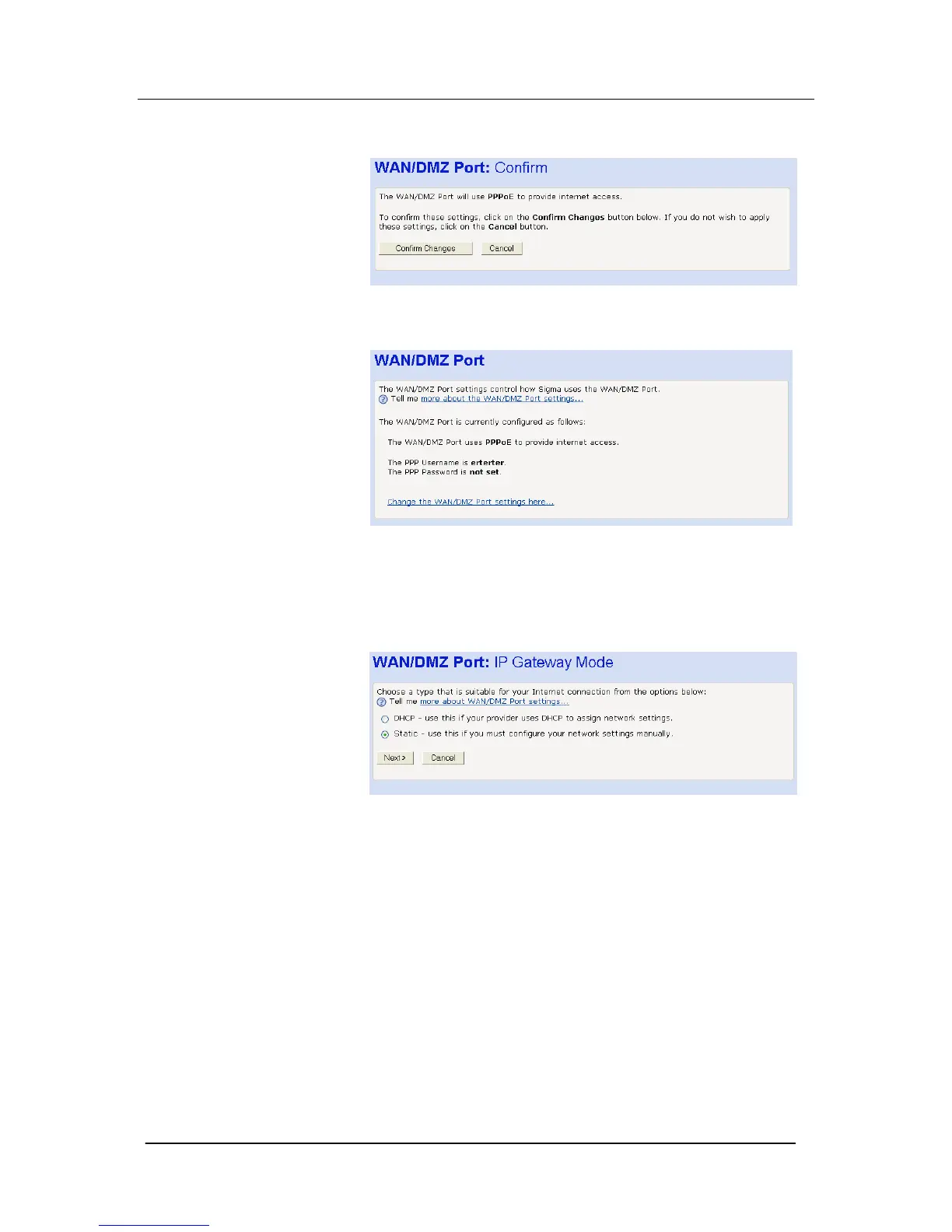
3. The following screen is displayed: Select Confirm Changes.
4. The following screen is displayed:
IP Gateway to connect to Cable Modem, LAN or WAN
IP Gateway is typically used when connecting to a Cable Modem
LAN or WAN.
Select IP Gateway. Select Next. The following screen is displayed:
Two options are presented: -
DHCP - automatically assigns IP addresses
Static - allows the IP addresses to be entered manually
DHCP
1. Select DHCP. Select Next. The following screen is displayed:





 To Next Page