117
The notification type can be set to all messages or priority
messages only. The user can also set this from within their voice
mailbox.
The notification method is whether the notification is to a normal
telephone or a Pager Company. This can also be set by the
extension.
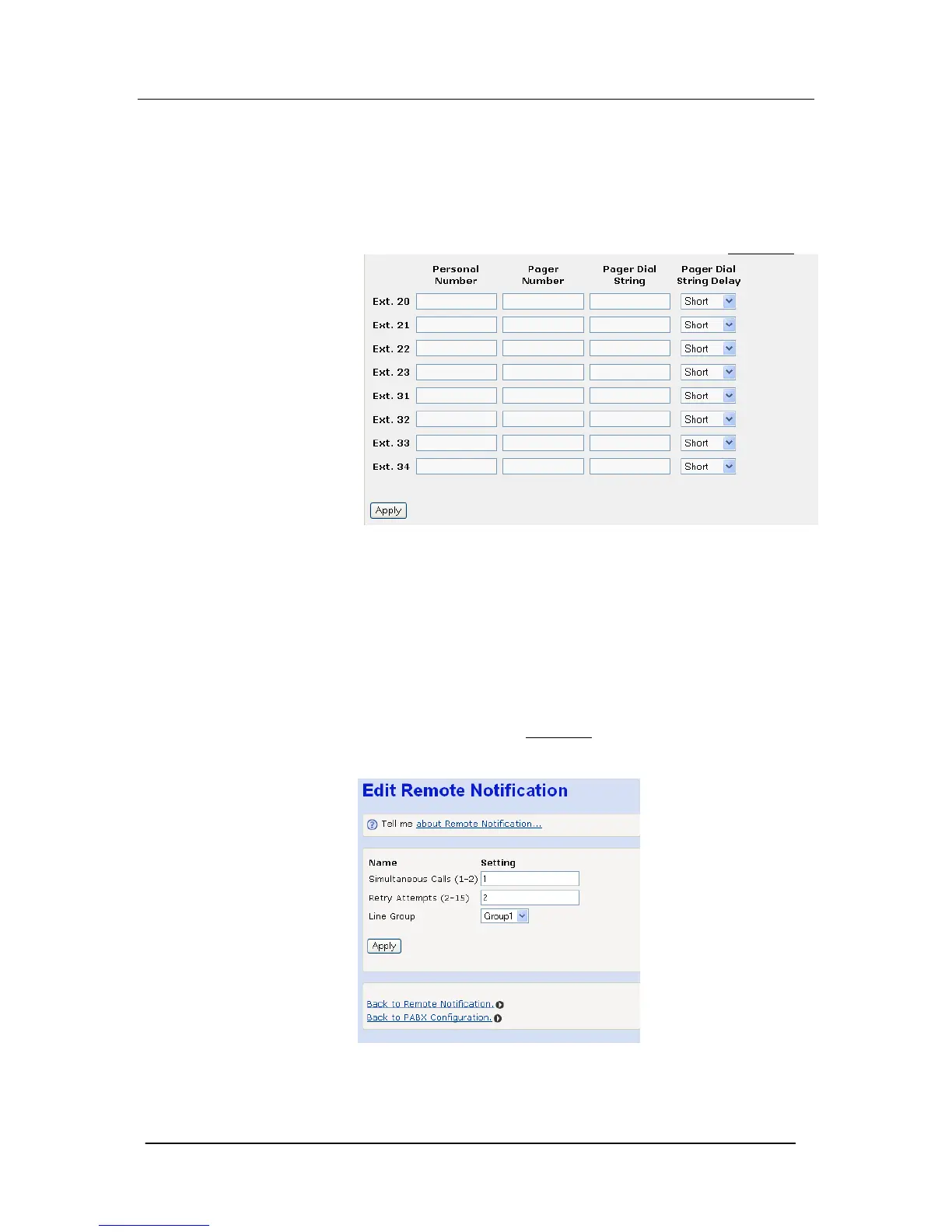
Select ‘To enter additional Remote Notification settings click here’
Enter the personal number if remote notification is to a telephone
number
Enter the Pager Company number and the Pager dial string if
notification is to a pager company
Also three delays are provided between the call to the Pager
Company being answered and the pager string being dialed. This is
set at a short delay.
There are a number of systemwide settings, which cannot be set by
individual extensions. These are accessed by selecting ‘To enter
the systemwide settings click here’
The number of simultaneous calls determines the number of remote
notification calls that will be set up at the same time.





 To Next Page