133
Wireless Network General Settings
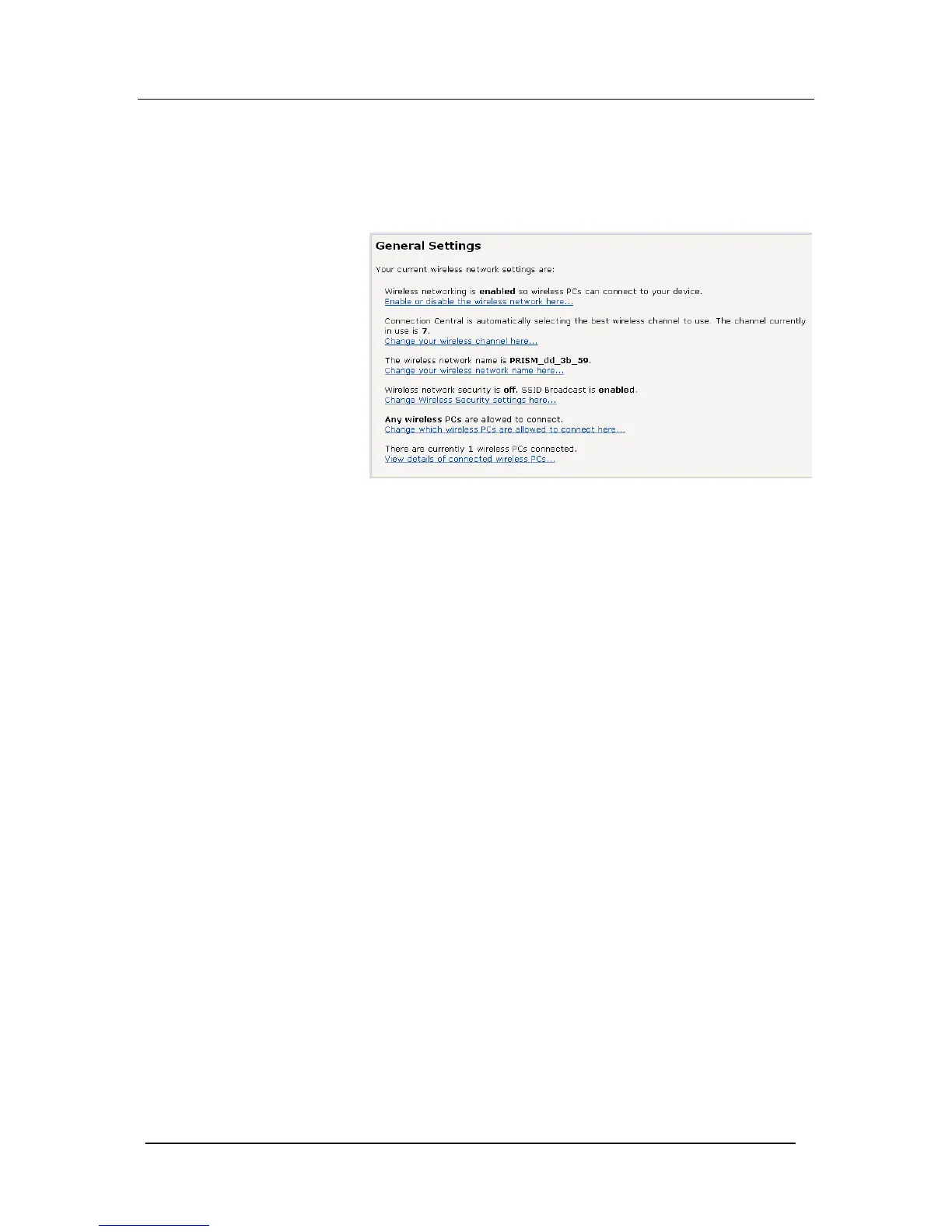
The General Settings section of the Wireless Network page displays
details of the Mitel 1000’s current wireless configuration. For
example:
The hyperlinks in this section allow you to:
Enable/disable wireless networking; see page 122.
Change the channel currently in use; click Change your wireless
channel here… and follow the instructions in Select a Channel on
page 127.
Change the network name (SSID); click Change your wireless
network name here and follow the instructions in on page 122.
Configure wireless security; click Change Wireless Security settings
here… and follow the instruction in





 To Next Page