136
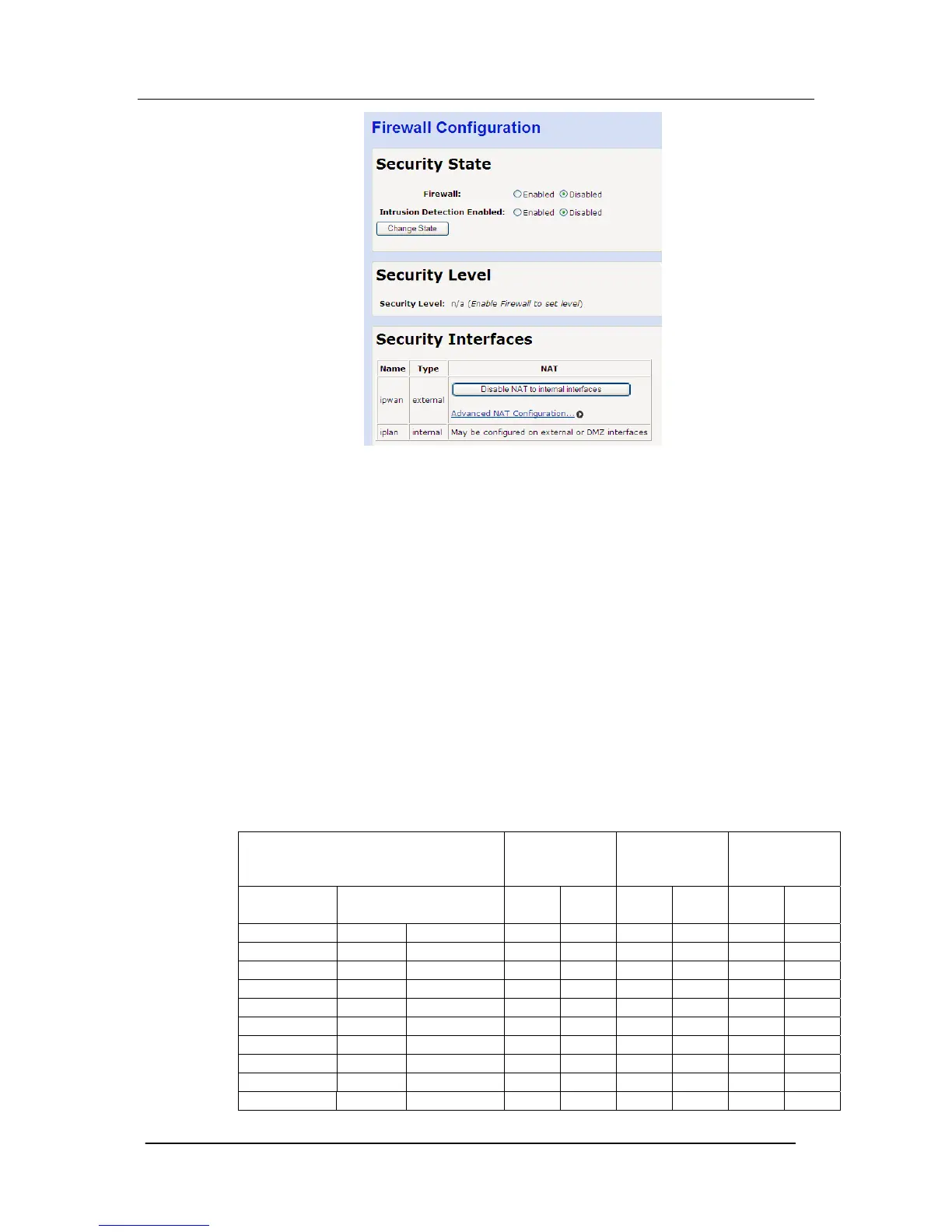
Security State
The Firewall is disabled by default
Intrusion Detection is disabled by default.
To enable the Firewall
1. Select “Enabled”
2. Select “Change State”
To enable Intrusion Detection
3. Select “Enabled”
4. Select “Change State”
Security Level
There are three pre-defined security levels (high, medium, and low)
that contain different security filters for each interface (WAN/LAN,
WAN/DMZ, DMZ/LAN). There is a fourth option called None, which
is a blank firewall configuration that provides no security. Additional
filters can be added to each security level. The default setting is
High
The pre-defined security configurations are:
High Security Level
WAN
<>
LAN
WAN
<>
DMZ
DMZ
<>
LAN
Service Destination Port In Out In Out In Out
Any TCP 0 -65535 N Y N Y N Y
Any UDP 0 - 65535 N Y N Y N Y
HTTP TCP 80 N Y Y Y N Y
DNS UDP 53 N Y Y Y N Y
Telnet TCP 23 N Y N Y N Y
SMTP TCP 25 N Y N Y N Y
POP3 TCP 110 N Y N Y N Y
FTP TCP 21 N Y N Y N Y
ICMP N/A N/A N Y N Y N Y
SSH TCP 22 N Y Y Y N Y





 To Next Page