150
Status
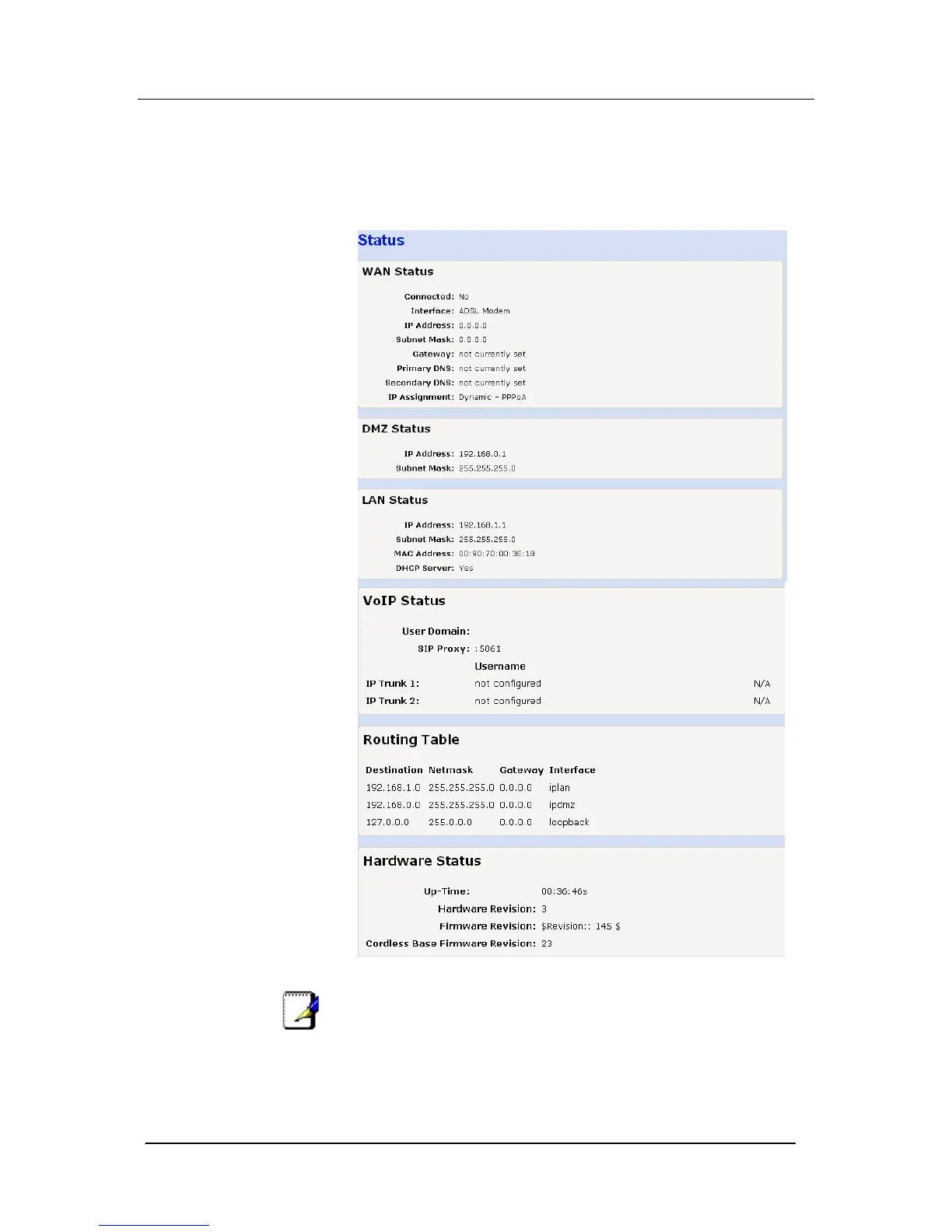
You can examine the settings of the WAN, DMZ, LAN, VoIP,
Routing table and hardware and software.
Select Status on the left-hand side menu. The following screen is
displayed: -
Note
If an IP Trunk is configured but not registered an X will be
displayed after the Password. If the trunk is configured and
registered a √ is displayed





 To Next Page