152
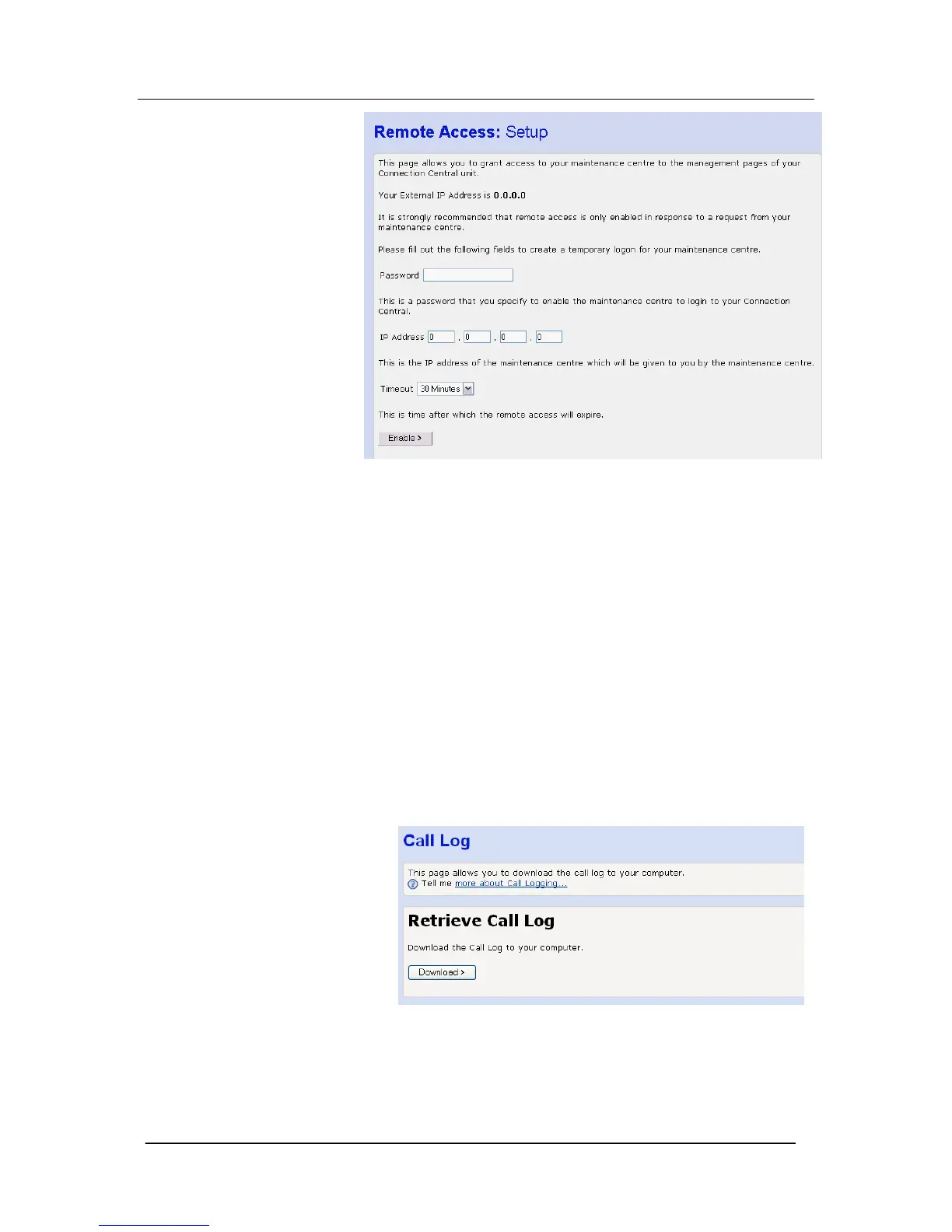
Your external IP address is shown. You provide this address to the
maintenance engineer, as this is the address they use to access
your system.
In order to make the access secure and prevent unwanted access
you also define a Password that you supply to the maintenance
engineer.
They will supply you with the IP address that they use to access
your system. You enter this in the IP address field.
This ensures that access is allowed from that IP address only and is
only allowed when the Password, which you define, is provided.
There is also a time out on the access that is set at 30 minutes. This
can be increased or decreased as required.
Call Log
The system stores records of the last 250 calls made and received.
This log can be retrieved. The log is presented in a spreadsheet
format.
1. Select Call Log in the Diagnostics drop down menu. The
following menu is displayed: -
2. Select Download. You may be prompted to click on ‘here’ if the
web browser blocks the download.
3. The records are presented in a spreadsheet format.
I/G or O/C : Incoming or Outgoing Call





 To Next Page