192
Press PAUSE. The stopwatch pauses counting. Press RESUME to
start the stopwatch again from the paused time.
Press CANCEL. The stopwatch is deactivated.
Using touch & dial
Touch & dial allows you to call a number by pressing any key
(except CANCEL) on your handset.
1. Press MENU.
2. Select EXTRAS. Press OK.
3. Select TOUCH & DIAL. Press OK.
4. Select ON. Press . Enter the phone number.
5. Press OK to confirm. Your phone returns to standby.
If activated, TOUCH & DIAL is displayed.
To deactivate Touch and Dial
1. Press CANCEL. CONFIRM? is displayed.
2. Press OK to confirm. Your phone returns to normal mode.
Auto answer
Auto answer gives you the convenience of answering a call by just
picking up the phone from the base unit or charger.
You do not need to press any key to answer the call.
To activate or deactivate auto answer:
1. Press MENU.
2. Select SYSTEM. Press OK
3. Select AUTO ANSWER. Press OK.
4. Select ON or OFF. Press OK.
Language
The handset language can be changed to French or Spanish
1. Press MENU.
2. Select SYSTEM. Press OK
3. Select LANGUAGE. Press OK
4. Select the language.
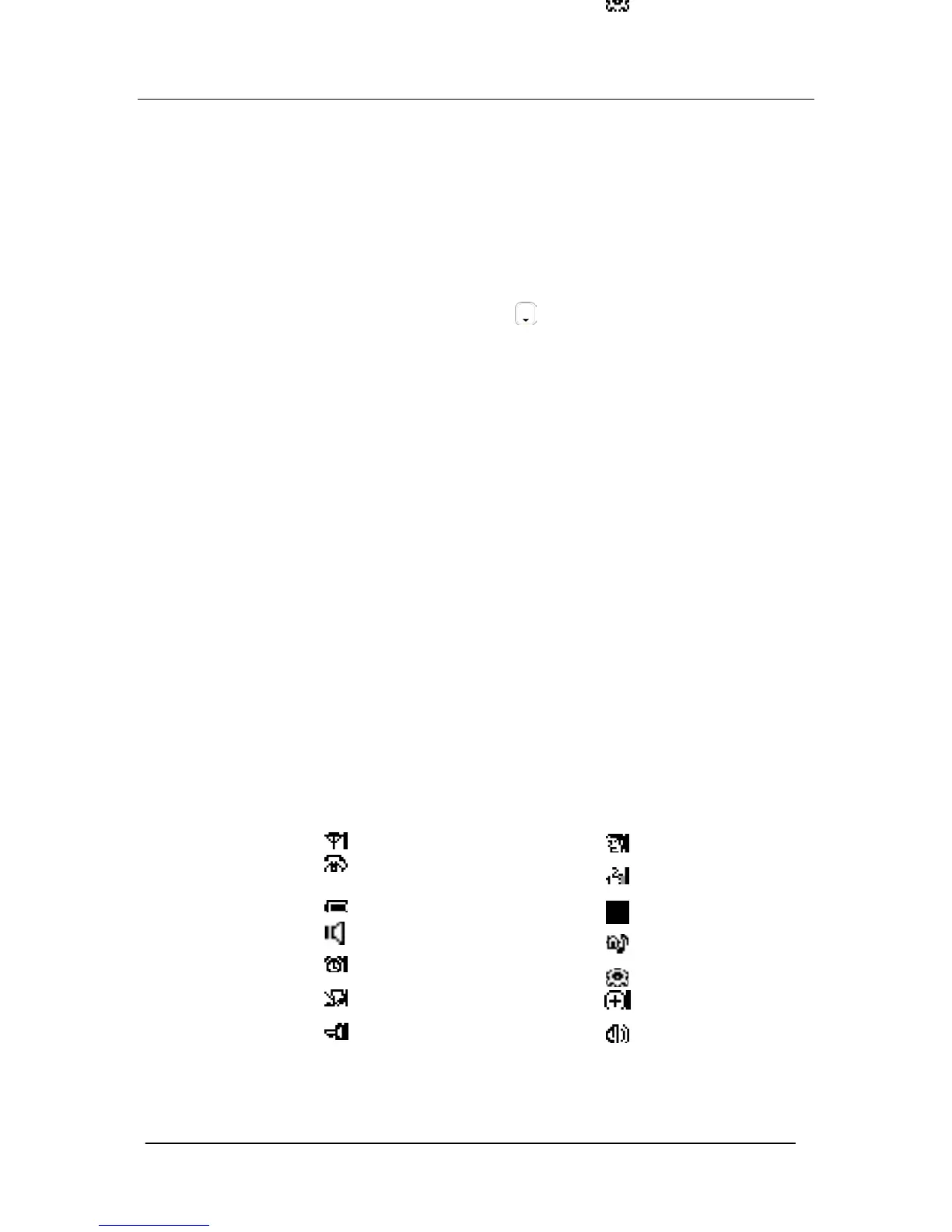
Icons on your handset’s display.
Base/Handset link Name
Call in progress Number
Battery Level Volume level; I block = lowest
volume; 3 blocks = highest volume
Loudspeaker Internal melody
Alarm Clock Mode
Ringer off Prefix
Key lock Volume





 To Next Page