205
computer, DNS server and default gateway, click the radio buttons
that enable you to enter the information manually.
Note
Your PCs must have IP addresses that place them in the same
subnet as the LAN port.
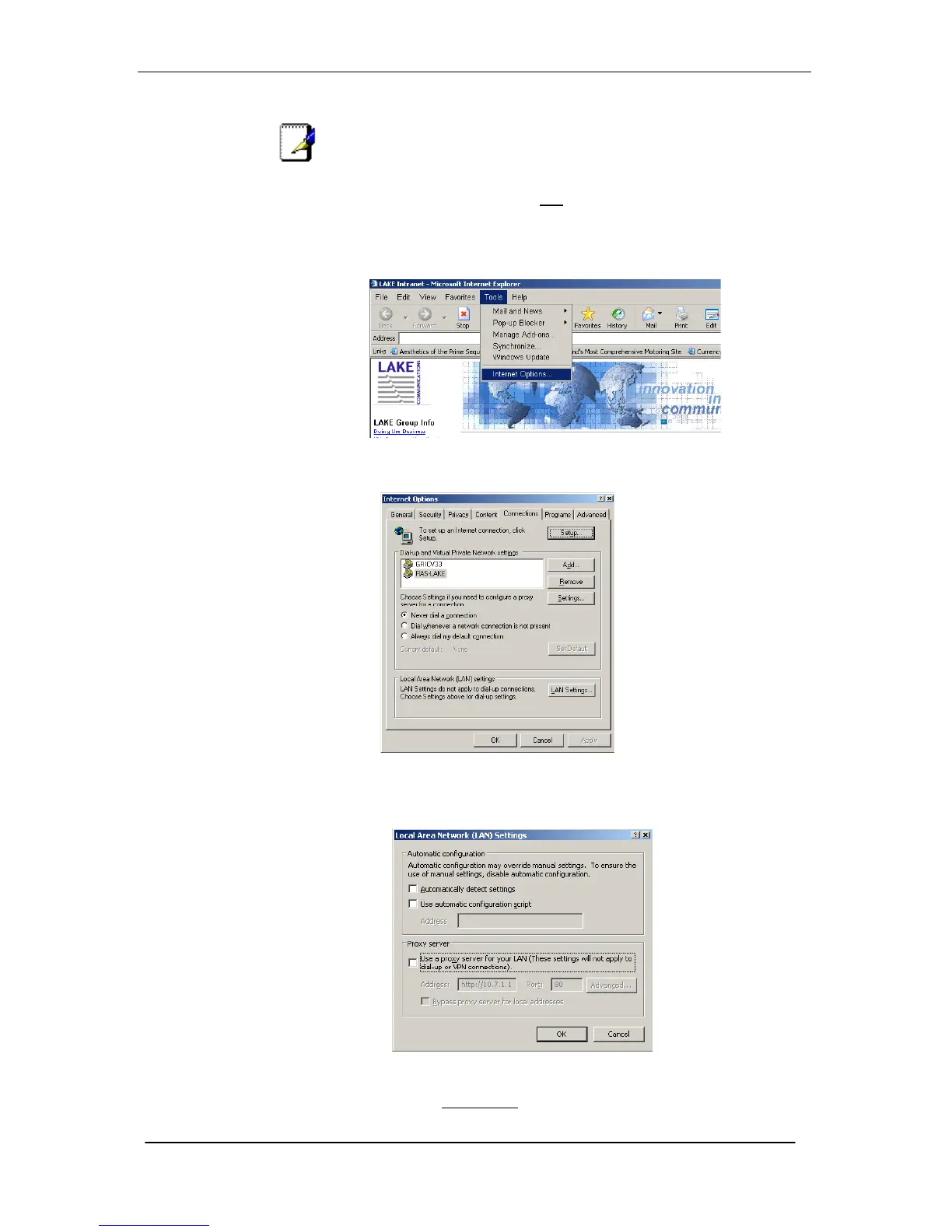
Setting up your browser not to use a proxy server
1. Launch Internet Explorer.
2. Select Tools, Internet Options.
3. Select Connections
If you have been using a dial up connection ensure the button Never
dial a connection is selected
4. Select LAN Settings.
5. Under Proxy Server, ensure that Use a proxy server for your
LAN is unchecked.





 To Next Page