85
DMZ
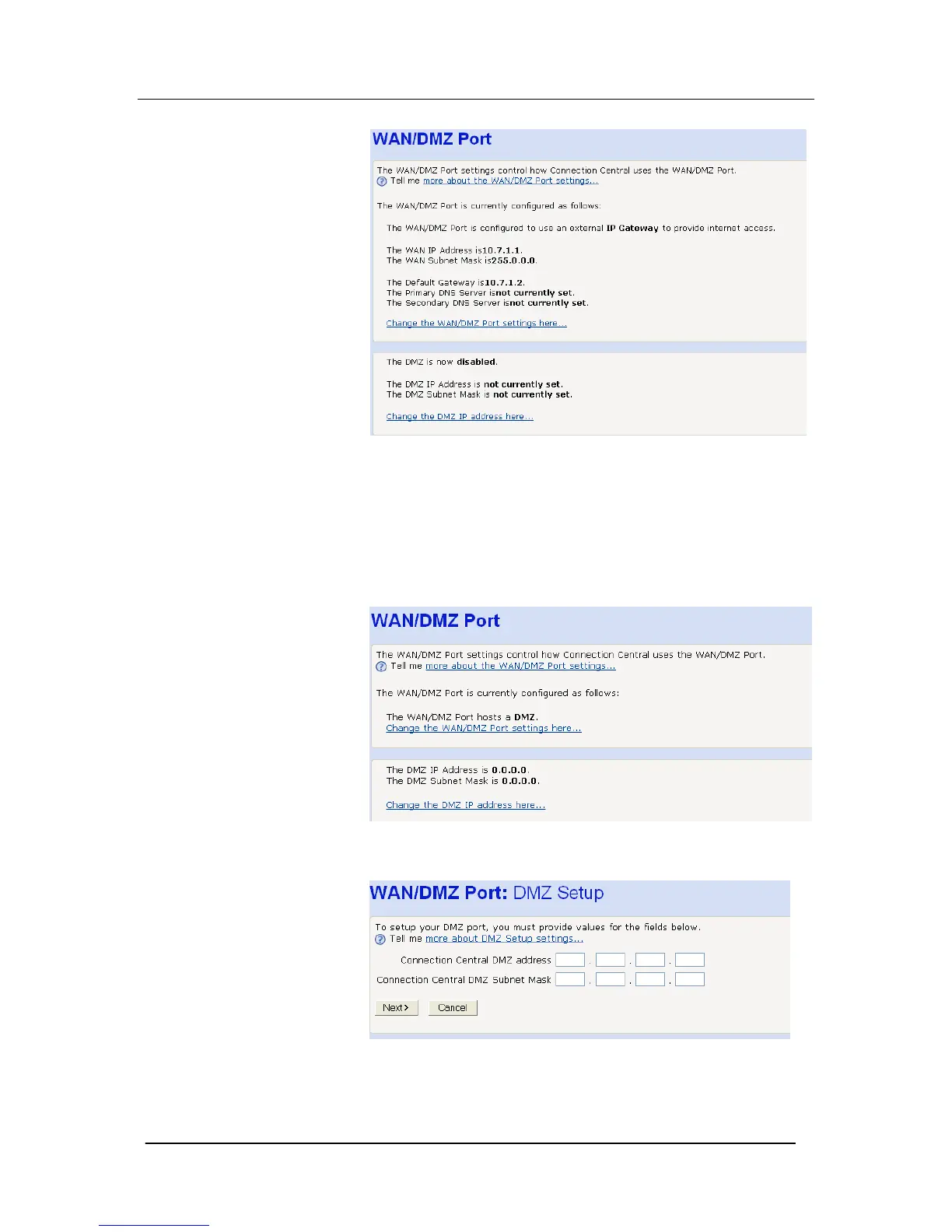
A host can be connected to the WAN/DMZ Port. In default the
Wan/DMZ port is configured as a DMZ. On the Router configuration
page select WAN/DMZ Port. The following page is displayed:
Select Change the DMZ IP address here. The following page is
displayed:
Enter the host IP address and subnet mask. Click Next. The
following screen is displayed





 To Next Page