Line Keys and Programmable Keys
SAVE KEY
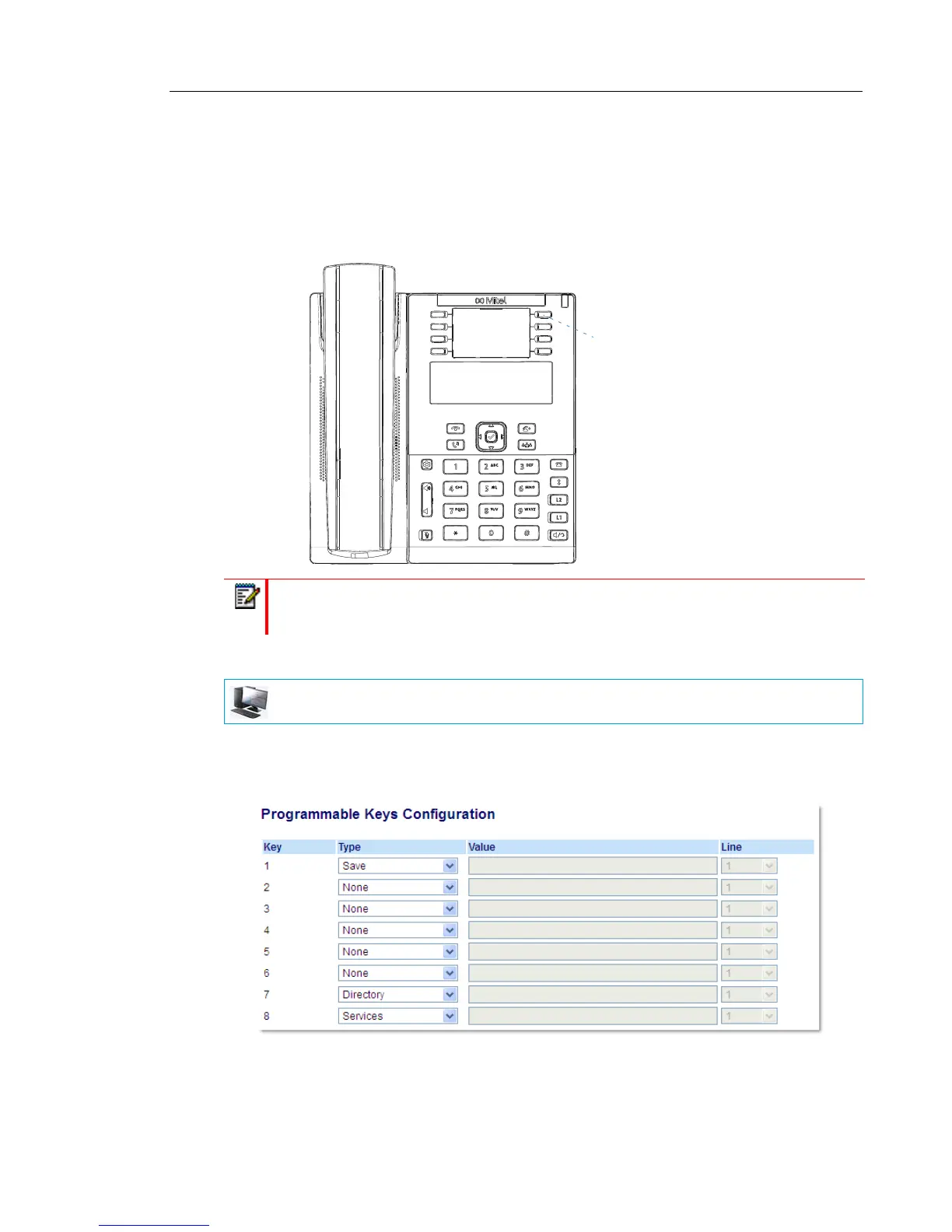
The Save key allows you to save items to the 6865i IP phone’s Local Directory.
By default, the Save key is programmed on Key 5. However, using the Mitel Web UI, you can
assign the Save function to any programmable key.
CONFIGURING A SAVE KEY
1. Click on Operation > Programmable Keys.
or
Click on Operation > Expansion Module <N>.
Programmable Keys
2. Select from Key 1 through Key 8.
Note: Key 5 is locked to Save functionality. To unlock the key so it can be reprogrammed,
contact your System Administrator.
MITEL WEB UI



 To Next Page