Mitel 6865i SIP Phone Release 4.1.0 User Guide
NONE KEY
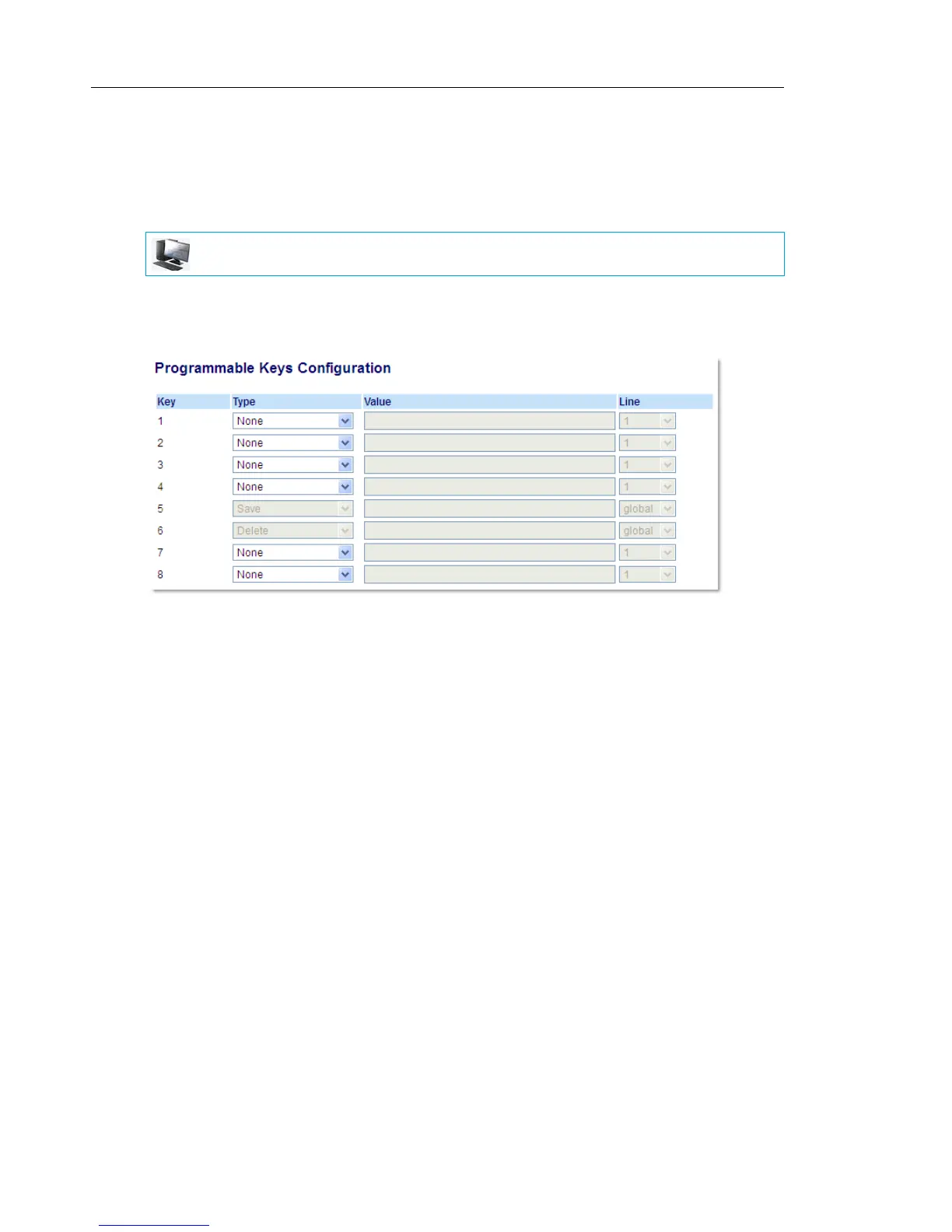
Use the following procedure to delete a key’s functionality on the 6865i IP phone
SETTING A NONE KEY
1. Click on Operation > Programmable Keys.
or
Click on Operation > Expansion Module <N>.
2. Select the respective key.
3. In the Type field, select None.
4. Click Save Settings.
The key function is deleted from the IP phone memory.
MITEL WEB UI



 To Next Page