STUTTERED DIAL TONE
You can enable or disable the playing of a stuttered dial tone when there is a message waiting
on the IP phone.
You can configure this feature using the Mitel Web UI.
CONFIGURING STUTTERED DIAL TONE
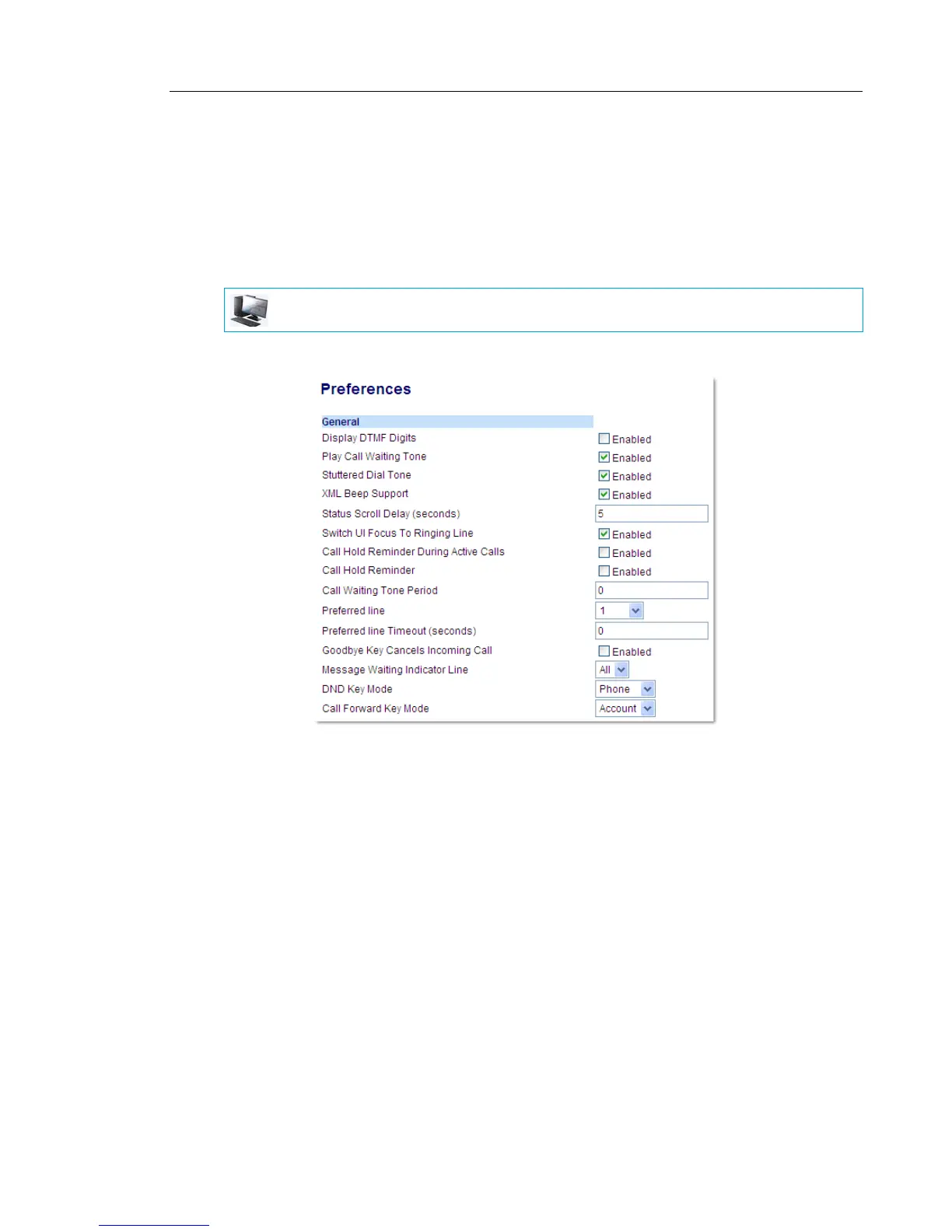
1. Click on Basic Settings > Preferences > General.
2. Stuttered dial tone is enabled by default. If required, disable the Stuttered Dial Tone field
by unchecking the check box.
3. Click Save Settings.
MITEL WEB UI



 To Next Page