Mitel 6865i SIP Phone Release 4.1.0 User Guide
KEYPAD KEYS
The 6865i has a keypad with digits from 0 through 9, a * key, and a # key. Keys 2 through 9
contain the letters of the alphabet. The 6865i phone keypad includes the following:
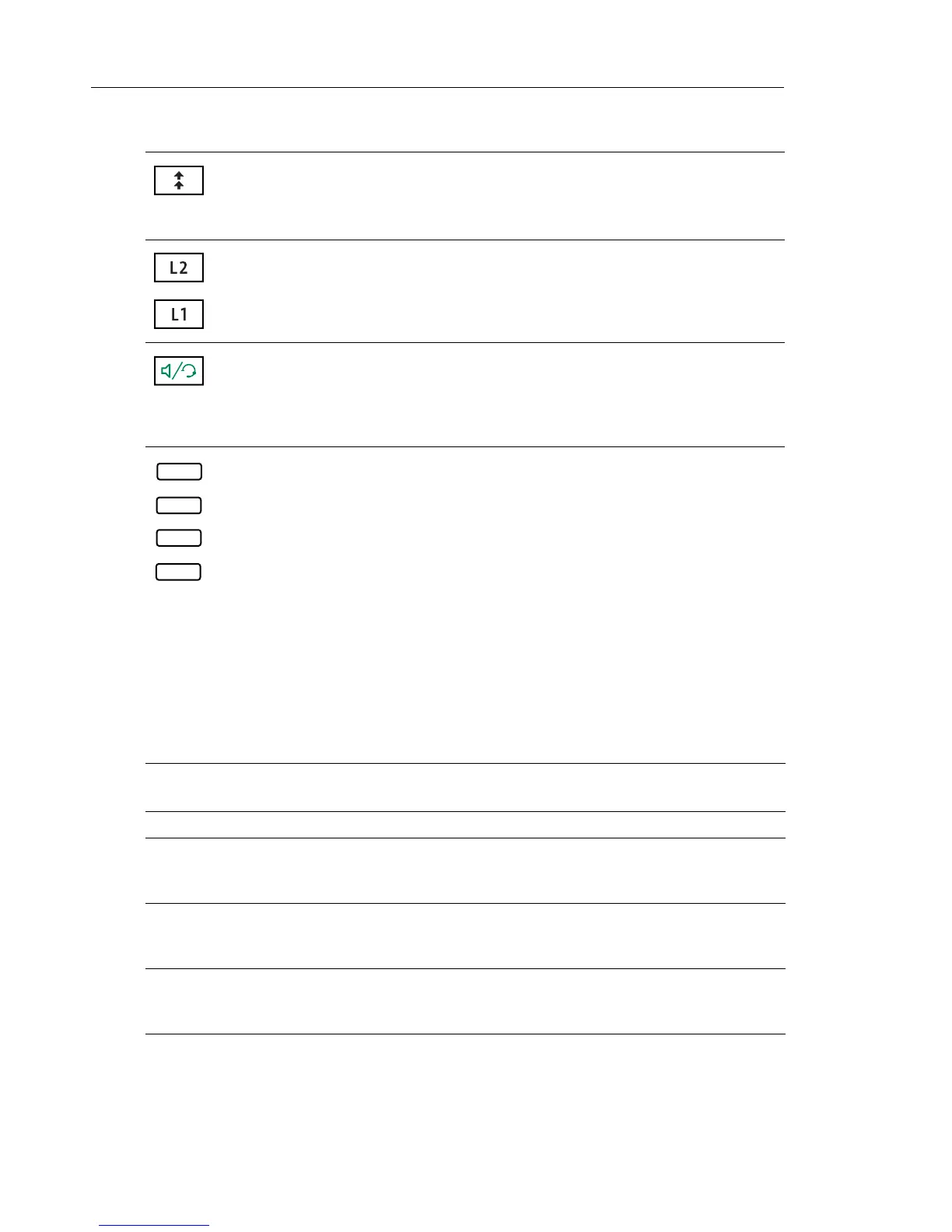
Redial Key - Accesses a list of the last 100 previously dialed numbers. Pressing the
Redial key twice redials the last dialed number.
For more information, see “Redial” on page 116.
Line/Call Appearance Keys - Connects you to a line or call. The Mitel 6865i IP
phone supports two line keys, each with LED indicator lights.
For more information, see “Multiple Line and Call Appearance Keys” on page 57.
Speaker/Headset Key - Transfers the active call to the speaker or headset, allowing
handsfree use of the phone.
For more information, see “Using Handsfree Speakerphone” on page 114 and
“Using a Headset” on page 115.
Programmable Keys - When programmed, allows you to easily perform up to 8
specific functions (e.g. Services, Directory, Callers List, Intercom, etc...) and access
enhanced services provided by third parties (e.g. XML applications).
For more information, see “Programmable Keys” on page 58.
KEYPAD KEY DESCRIPTION
0 Dials 0
Dials the Operator on a registered phone
1 Dials 1
2 ABC Dials 2
When entering text, this key enters A with one press, B with two presses, and C with
three presses
3 DEF Dials 3
When entering text, this key enters D with one press, E with two presses, and F with
three presses
4 GHI Dials 4
When entering text, this key enters G with one press, H with two presses, and I with
three presses
5 JKL Dials 5
When entering text, this key enters J with one press, K with two presses, and L with
three presses
KEY DESCRIPTION



 To Next Page