Mitel 6865i SIP Phone Release 4.1.0 User Guide
FINDING YOUR PHONE’S IP ADDRESS
If you want to access your phone’s options using an Internet browser, you need to enter the IP
address of the phone in the browser to open the Mitel Web UI. Use the following procedure to
find your phone’s IP address.
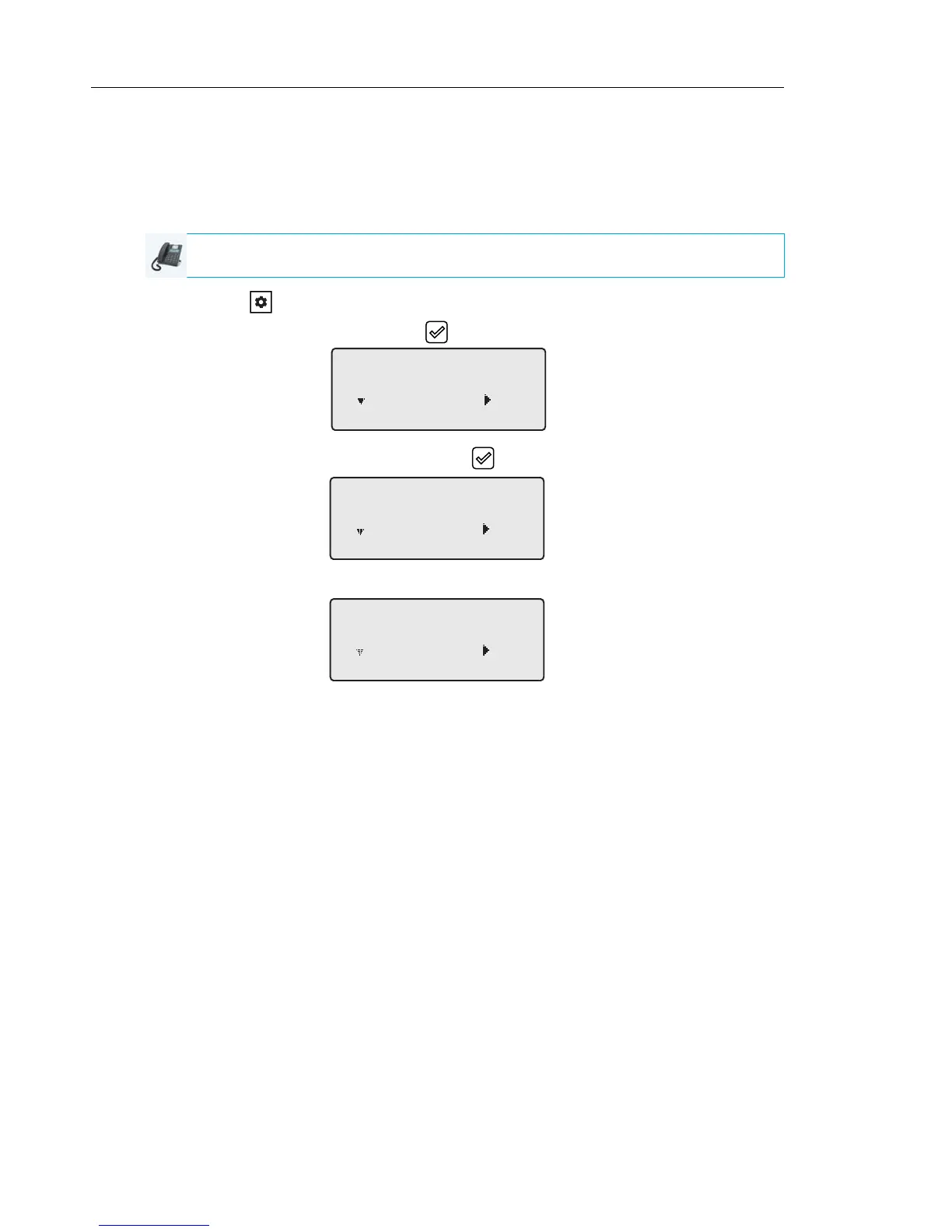
1. Press the key on the phone to enter the Option List.
2. Select Phone Status and press the key or 4 Enter key.
3. Select IP&MAC Addresses and press the key or 4 Enter key.
The IP address of your 6865i IP phone displays in the IP Address field.
IP PHONE UI
IP&MAC Addresses
Next Enter
1
IP Address
10.40.50.112
Next Enter



 To Next Page