Mitel 6865i SIP Phone Release 4.1.0 User Guide
DND in Custom Mode
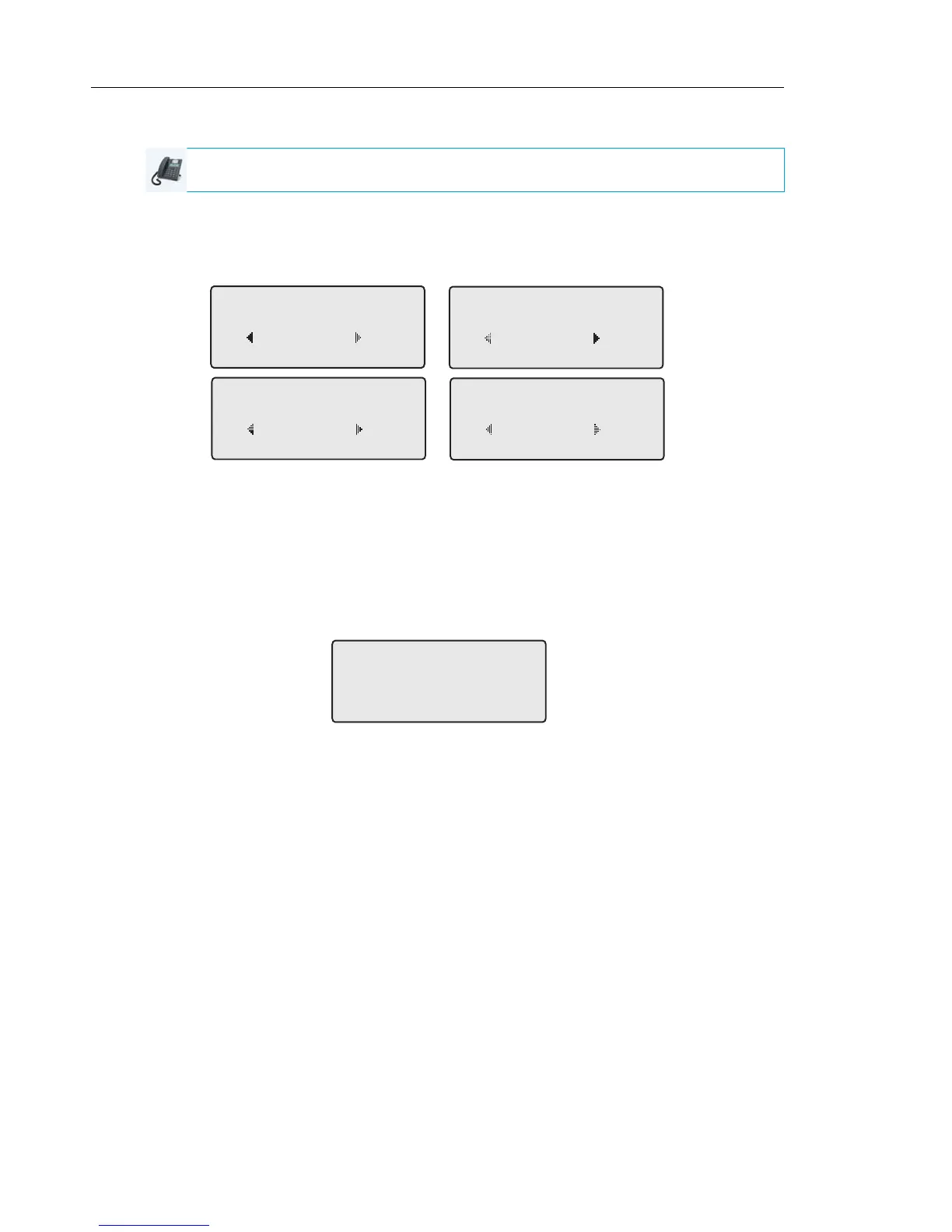
1. Press the DND key on the phone. The screen displays a list of the accounts on the phone
and allows you to enable/disable a specific account or all accounts.
2. Use the 2 and 5 navigation keys to scroll through the accounts.
In the above example, account 1 has DND enabled as indicated by a check mark ().
Account 2 has DND disabled as indicated by an X. Items 3 and 4 allow you to disable or
enable DND on all accounts, respectively.
3. Use the 4 Change key to enable or disable DND for a specific account or to enable/disable
DND for all accounts.
After making the change, press 3 Done and then # Confirm to save the change. Pressing
0 Cancel cancels the attempted change.
IP PHONE UI
DND
John Smith
Done Change
1
DND
J. Smith X
Done Change
2
DND
All Off
Done Change
3
DND
All On
Done Change
4
Apply Changes
0Cancel
#Confirm



 To Next Page