Mitel 6865i SIP Phone Release 4.1.0 User Guide
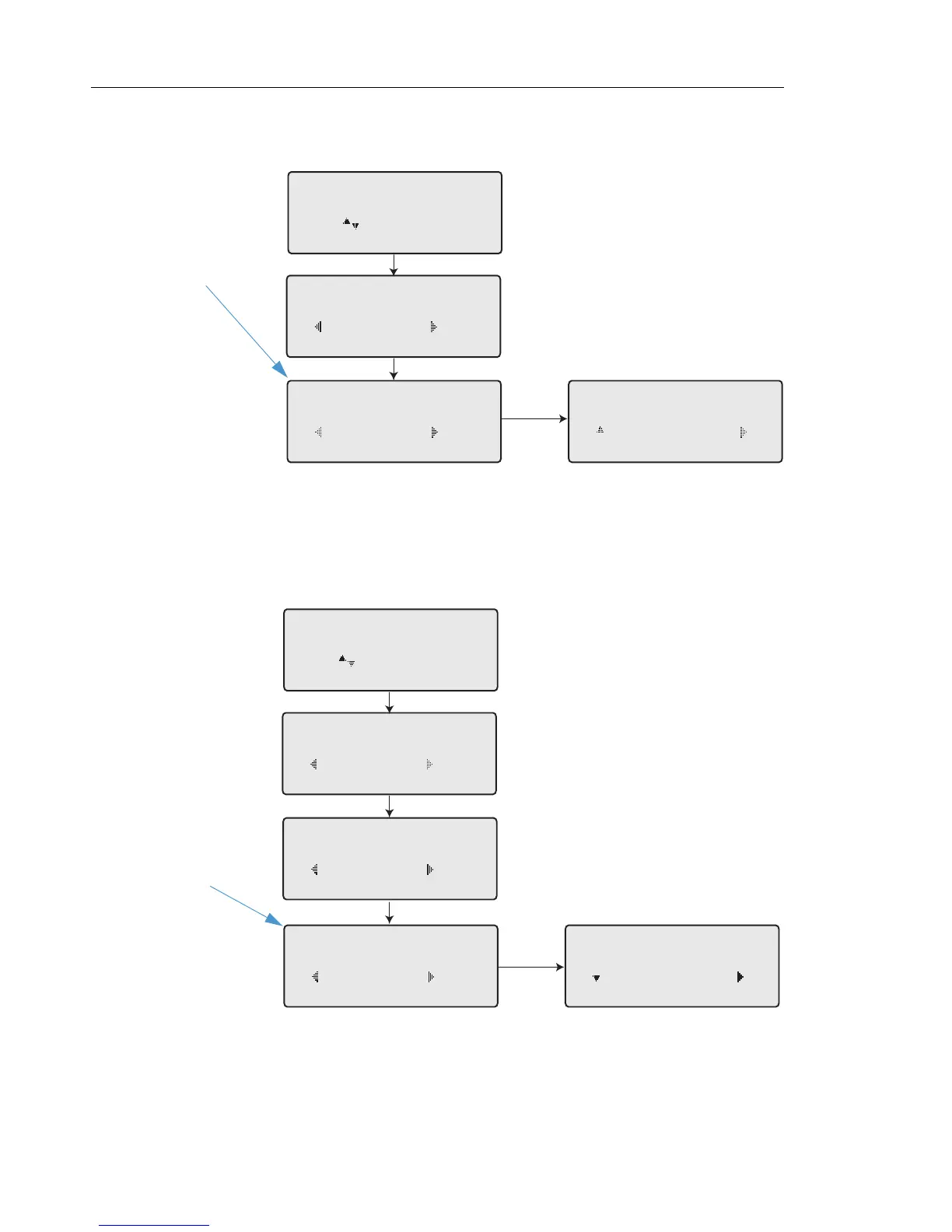
7. In the CFWD State screen, press the 2 navigation key to scroll to the CFWD Number screen
and press
4Change.
8. Enter a phone number to apply to the current state in focus. When the phone is in the state
you specified, and a call comes into the phone, it forwards the call to the number you specify.
9. Press
4Set to save the change.
10. For the CFWD No Answer state, in the CFWD Number screen, press the
2 navigation key
to scroll to the CFWD No. Rings screen and press
4Change.
11. Press the
2Next key to select the number of rings to apply to the phone for call forwarding
incoming calls. Valid values are 1 to 20. Default is 3.
Cfwd All
Use to view
Cfwd State
On
Done Change
1
Cfwd Number
5555_
Cancel Set
Cfwd Number
5555
Done Change
2
Change
Cfwd NoAnswer
Use to view
Cfwd State
On
Done Change
1
Cfwd Number
Done Change
2
No. Rings
3
Next Set
Change
No. Rings
3
Done Change
3



 To Next Page