Line Keys and Programmable Keys
4. Press an unconfigured programmable key or keypad key.
5. Enter a phone number or extension to assign to that speed dial key.
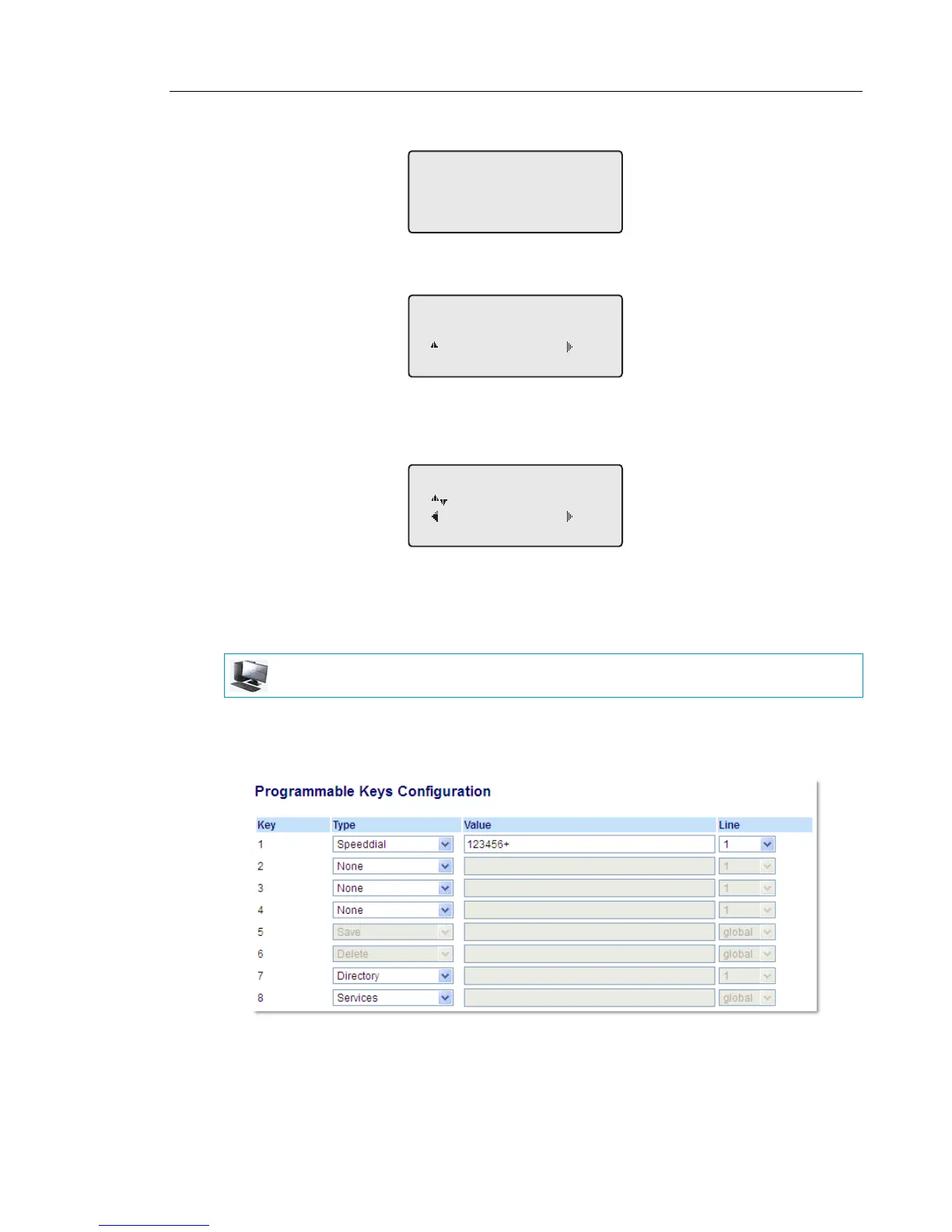
The following example illustrates the screen display:
6. Press 4Save to save the number as a speed dial key.By default, the phone automatically
assigns the speed dial key to line 1 if available. To select a different line, use the 2 and 5
navigation keys.
7. Press 4Save to save the speed dial key to the line specified.
CREATING A SPEED DIAL USING A PROGRAMMABLE KEY IN THE MITEL
WEB UI
1. Click on Operation > Programmable Keys.
or
Click on Operation > Expansion Module <N>.
Programmable Keys
2. Select from Key 1 through Key 8.
MITEL WEB UI
Line:1
Change
Cancel Save



 To Next Page