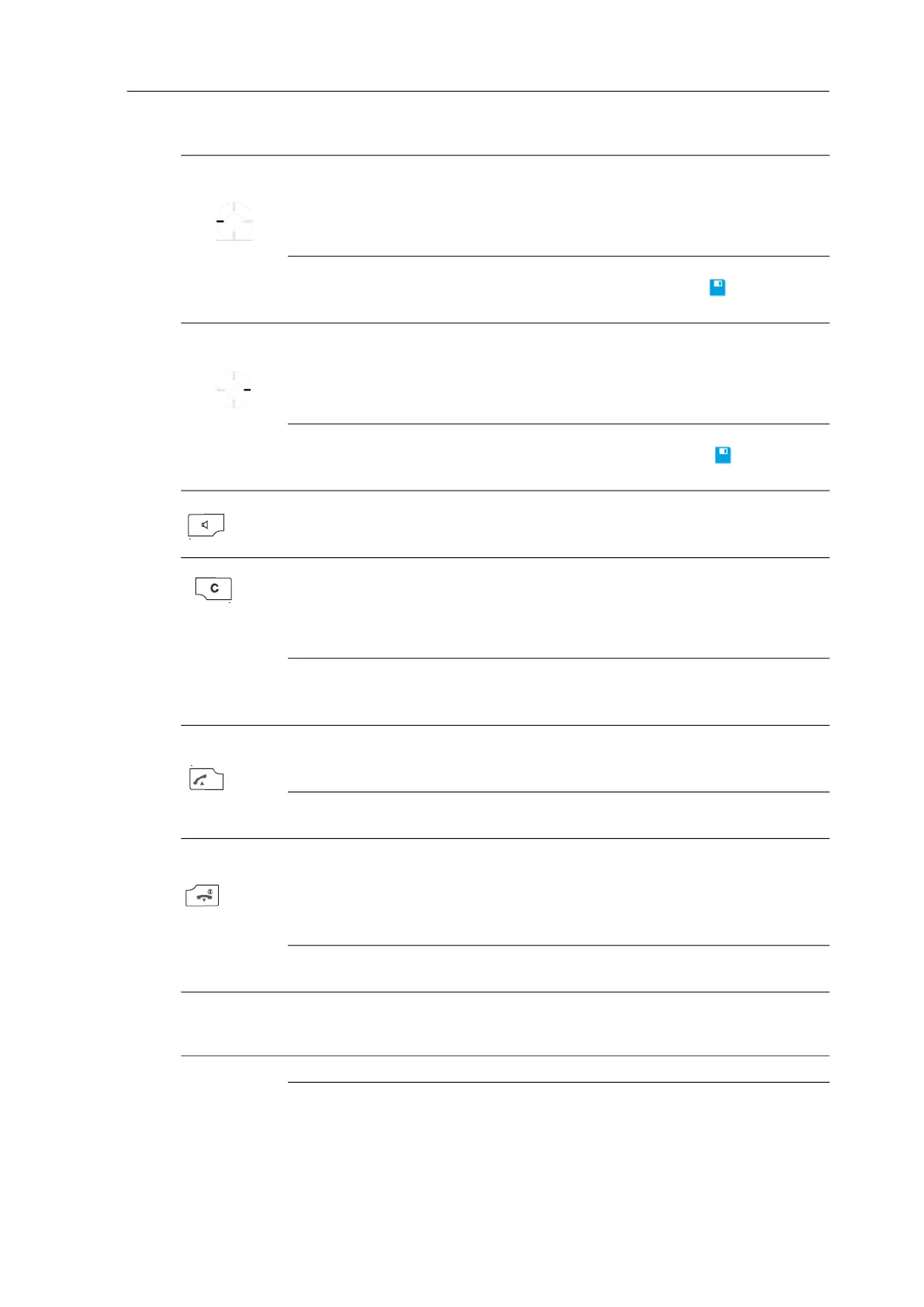
Displays, softkeys, LEDs and key functions
17
Navigation key
Left
short Standby, Connection
Menus
Editor
Open the information list (default setting) or
call up the programmed function.
Go back one menu level. Replaces the Esc
softkey (back)
Cursor back one character
long Standby
Connection
Editor
Program the key function
Reduce volume (save with )
Cursor to start of line
Navigation key
Right
short Standby, Connection
Menus
Editor
Open the profile settings (deliver setting) of
call up the programmed function.
Go forward one menu level. Usually replaces
the
Ok/Change softkey
Cursor forward one character
long Standby
Connection
Editor
Program the key function
Increase volume (save with )
Cursor to end of line
Hands-free short Standby
Connection
Lists
Set up connection with hands-free.operation
Switch listening/hands-free operation on/off
Set up hands-free connection to selected entry
Key C short Incoming call
Lists
Editor
Switch off the call signal for the current call
only (if supported by the system)
Delete the corresponding entry (not in phone
book lists or VIP list)
Delete the character left of the cursor
long Lists
Menus
Editor
Delete the complete list (except phone book)
Return to Standby status
Delete all characters
Call key
(pick-up) green
short Standby
Connection
Lists
Connection set-up
R-key function
Set up connection to selected entry
long Standby
Lists
Select the redial list
Transfer the entry into predial
End key
(hang-up) red
short Standby
Connection
Incoming call
Menus/Lists
Editor
Off menu
End connection
Reject call (if supported by system)
Return to Standby status
Exit Editor without changes
long Every status
Handset switched off
Switch off handset
Switch on handset
Number keys
-
short Standby
Editor
Enter number into predial
Character according to table (see “Editors” on
page 20)
Number
long Standby Connection to voice mailbox (if available)
Number 2-9
-
long Standby Select the corresponding Quick Call
destination (if Quick Call programmed)
KEY DURATION STATUS DESCRIPTION



 To Next Page