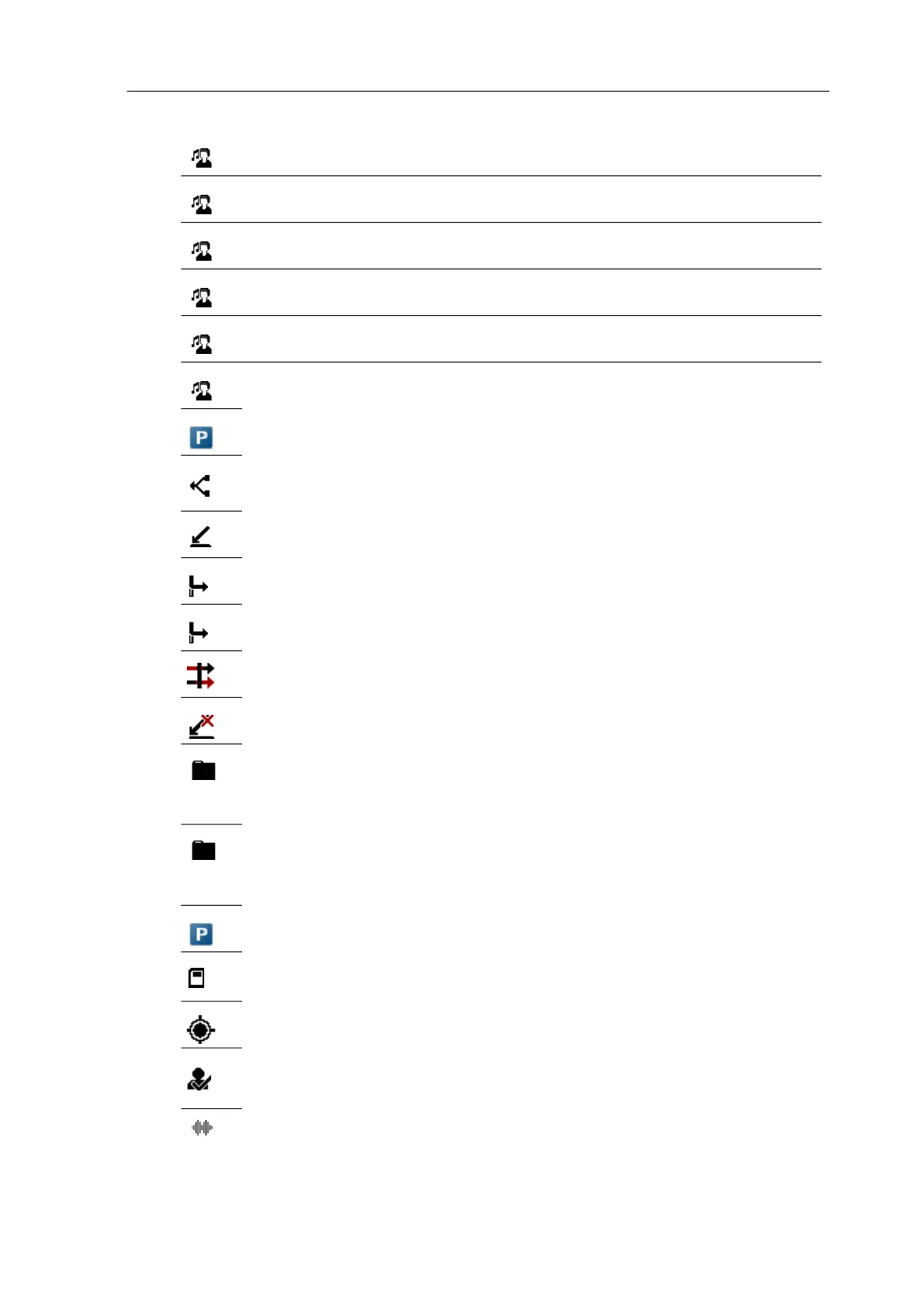
Key programming
65
Profile Key is assigned to access the Profiles menu which is used to
create and administrate user profiles.
Normal Key is assigned to access the Normal profile.
Headset Key is assigned for using a headset
Meeting Key is assigned for using a headset during meetings
Loud Key is assigned to set the profile to Loud.
Profile Key is assigned to set custom profiles.
Call park/unpark
Assigns the key with access to Call park/unpark functions.
Call pickup
Assigns the key with access to the Call pickup function (i.e., allows
the user to retrieve a call placed on hold by another device.
Take call
Assigns the key with access to the Take call function.
Call forward
Assigns the key with access to Call forward functions.
Call diversion Assigns the key with access to Call diversion (Call transfer). Note
this option is not available if the Call forward function is activated.
Call routing Assigns the key with access to Call routing functions. Only
available on Mitel 602 DECT phones.
Call protection Assigns the key with access to the Call protection function.Only
available on Mitel 602 DECT phones.
Applications The Applications key is assigned with a list of the special features
of your phone (depending on system equipment).
For more information about these features, contact your system
administrator.
1...10 App Features from the list of applications can be programmed to
specific keys.
For information about your system, contact your system
administrator.
Call park/unpark Assigns the key with access to Call park/unpark functions.
Data management / SD
Card
(Mitel 722dt, 732d, and 742d with SD card only)
Assigns key with access to the SD card menu.
Locating Assigns a key to access to the Locating function.
Contact your system administrator for more information.
Presence Assigns a key to access the Presence feature. For more
information about the Presence feature, contact your system
administrator.
Wideband Audio Assigns a key to enable or disable the Wideband Audio.



 To Next Page