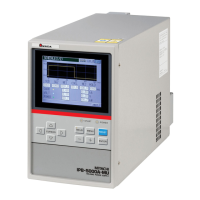
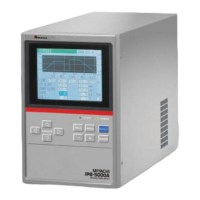
IPB-5000A
7. Basic Operation
7-2
(5) Press MENU Key on Front Panel to
display MENU Screen.
Move the cursor ( ) to SCHEDULE
and press ENTER Key to display
SCHEDULE Screen.
Move the cursor ( ) to each place
and set the values of the table in the
following page to each place by +/-
Key.
Press NEXT Button to set the values of
UP SLOPE and DOWN SLOPE in the
following screen.
Item Value Item Value
SCHEDULE#
15 UP SLOPE at WE1 2ms
SQZ
400ms UP SLOPE at WE2 2ms
WE1
20ms DOWN SLOPE at WE1 5ms
COOL
2ms DOWN SLOPE at WE2 5ms
WE2
20ms CURR at WE1 1kA
HOLD
10ms CURR at WE2 2kA
(6) For the test of welding, press MENU
Key on Front Panel, select
MONITOR and press ENTER Key.
MONITOR Screen is displayed.


 To Next Page