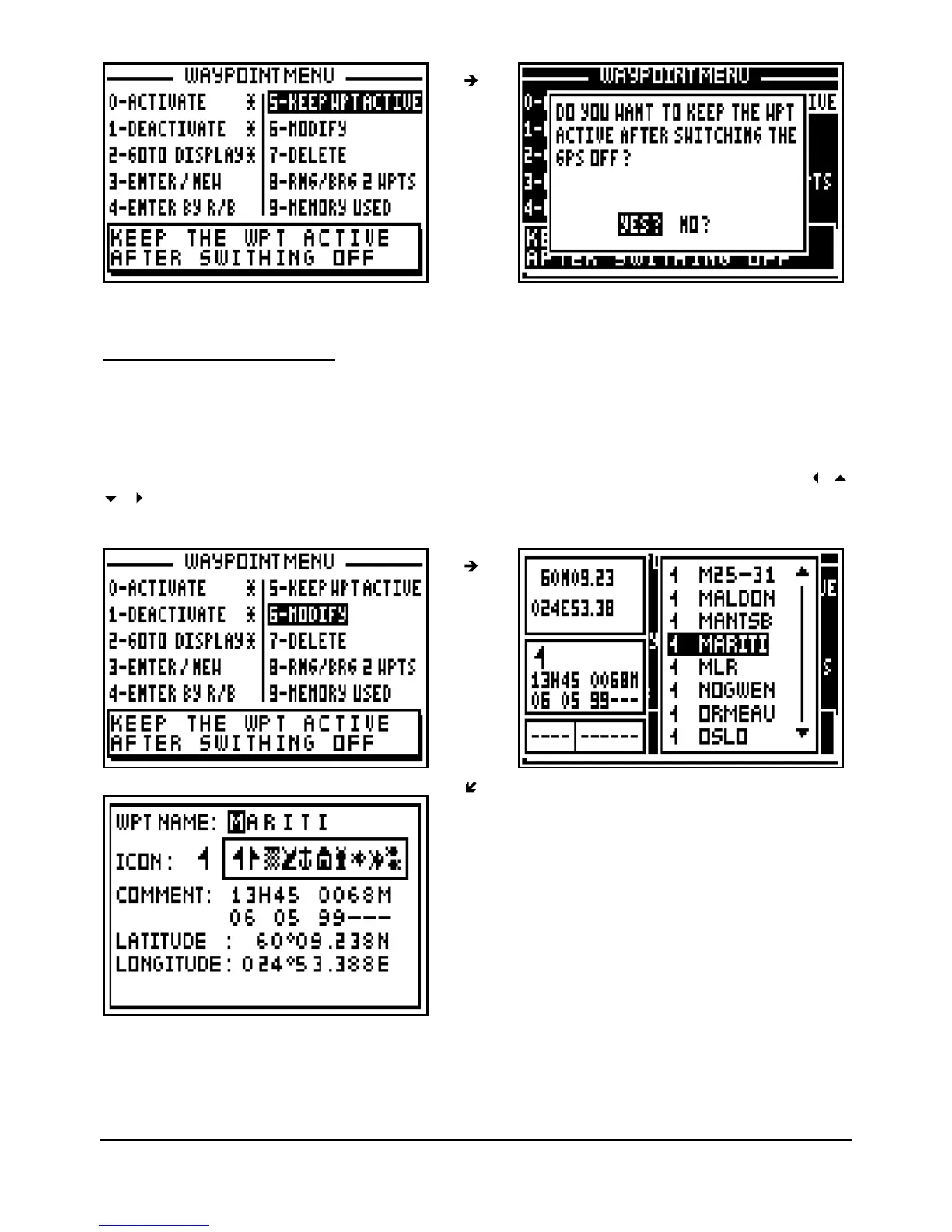
Note : By default, the waypoint is kept active.
3.8.
–
MODIFY A WAYPOINT
From the GOTO WAYPOINT function, press the
Menu
key then press the key 6 (or select 6-
MODIFY and press
Enter
), your waypoint list will be displayed. Select the waypoint you wish to
modify, press
Enter
.
The identical option window to the ENTER/NEW waypoint function is displayed. Use the
arrow keys to move your cursor and to make the desired modifications. Once the
modification is made, press
Enter
to store your changes.



 To Next Page