35
Note : The value of the scale corresponds to the height of the screen. Scales with a D can be
used in differential mode.
5.12.
–
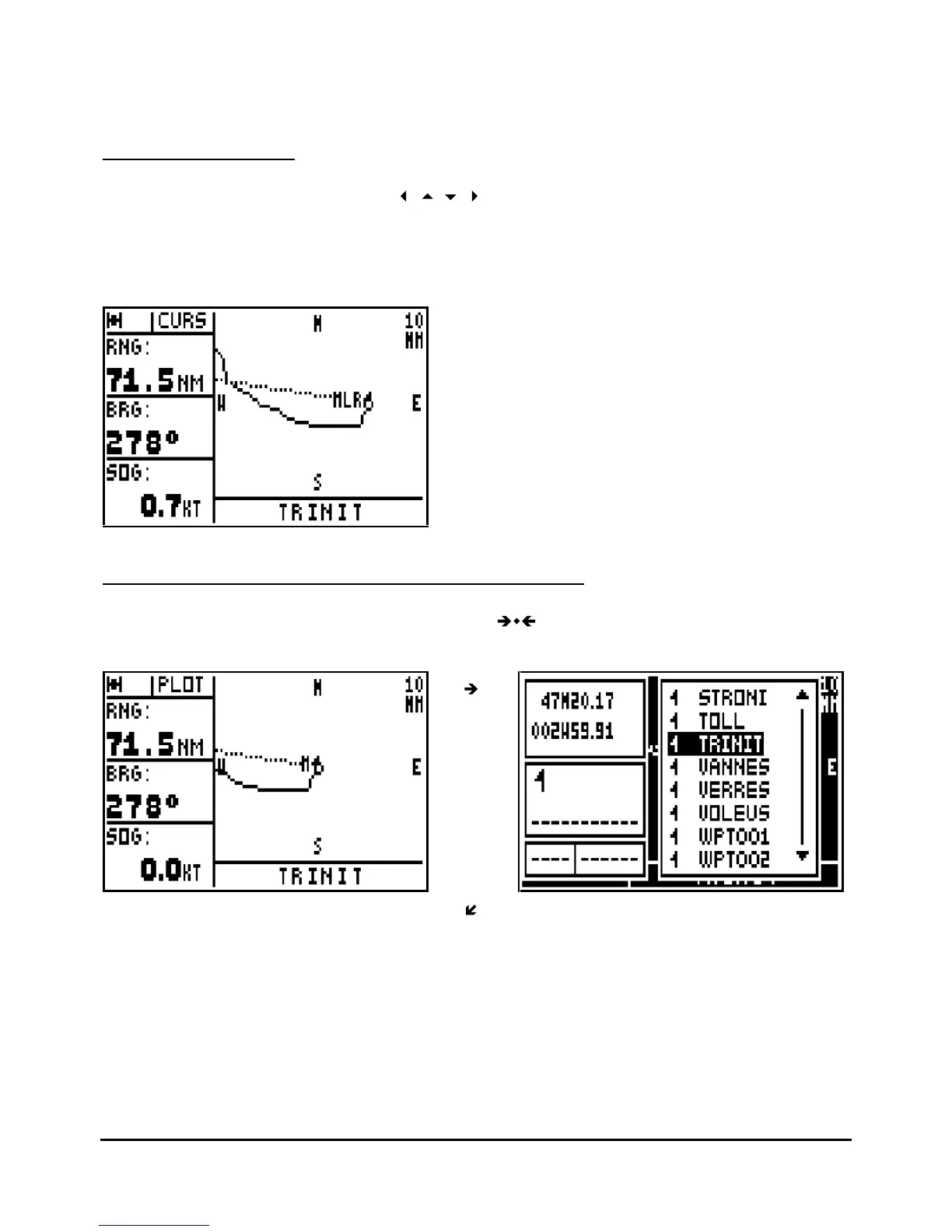
CURSOR MODE
From the PLOTTER function use the
arrow keys to resite the plotter screen over an
object or position other than the vessels current position. When in this mode, CURS will be
displayed in the top left part of the screen instead of PLOT. This is to indicate that the plotter is
in CURSOR MODE. Pressing the
Plot
key again will enable you toreturn to the plotter mode
where the vessel position is centred on the screen.
5.13.
– CENTER THE PLOTTER SCREEN ON A WAYPOINT
From the PLOTTER function, press the key 5
JKL
: your waypoint list is displayed. Select
the waypoint you w
ant to appear in the middle of the screen and press
Enter
.



 To Next Page