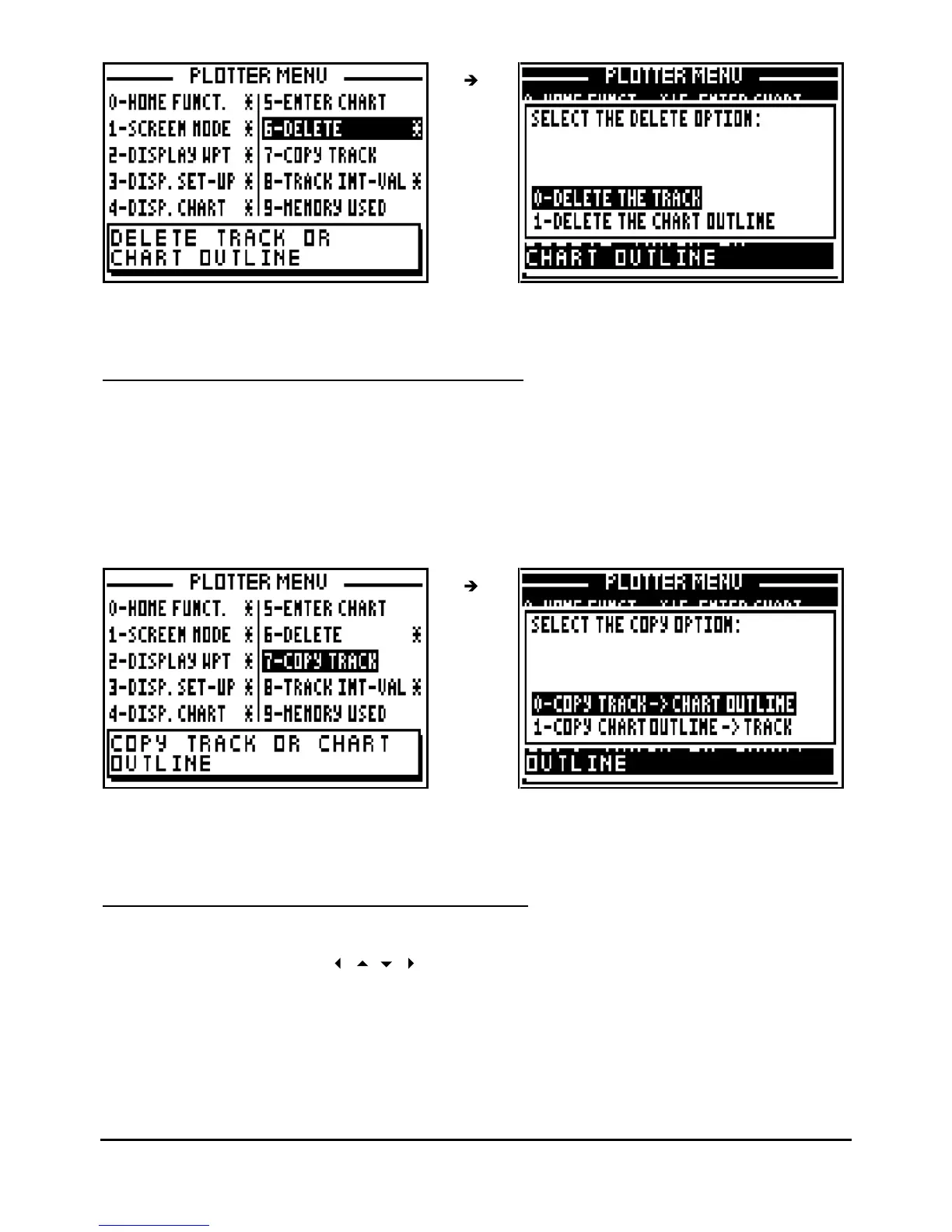
Note : Once your chart outline has been erased, it cannot be reinstated.
5.8.
–
COPY THE TRACK OR THE CHART OUTLINE
This function allows you to copy your track in the memory of the chart outline or vice versa.
Depending of the use, you will be able to optimise these 2 memories of 250 points each.
From the PLOTTER function, press the
Menu
key and press key 7 (or select 7-COPY T
RACK
and press
Enter
), then press the key 0 to copy the track into the memory of the chart outline or
the key
1
to copy the chart outline into the memory of the track, and confirm.
Note : This operation is a copy. It means the copied memory (original memory) is not modified.
If you are willing to erase it, refer to the previous paragraph.
5.9.
–
SELECT TRACKING INTERVAL BY DISTANCE
From the PLOTTER function, press the
Menu
key and press key
8
(or select 8
-
TRACK INT
-
VAL
and press
Enter
). Using th
e
arrow keys select the desired track interval and press
Enter
.



 To Next Page