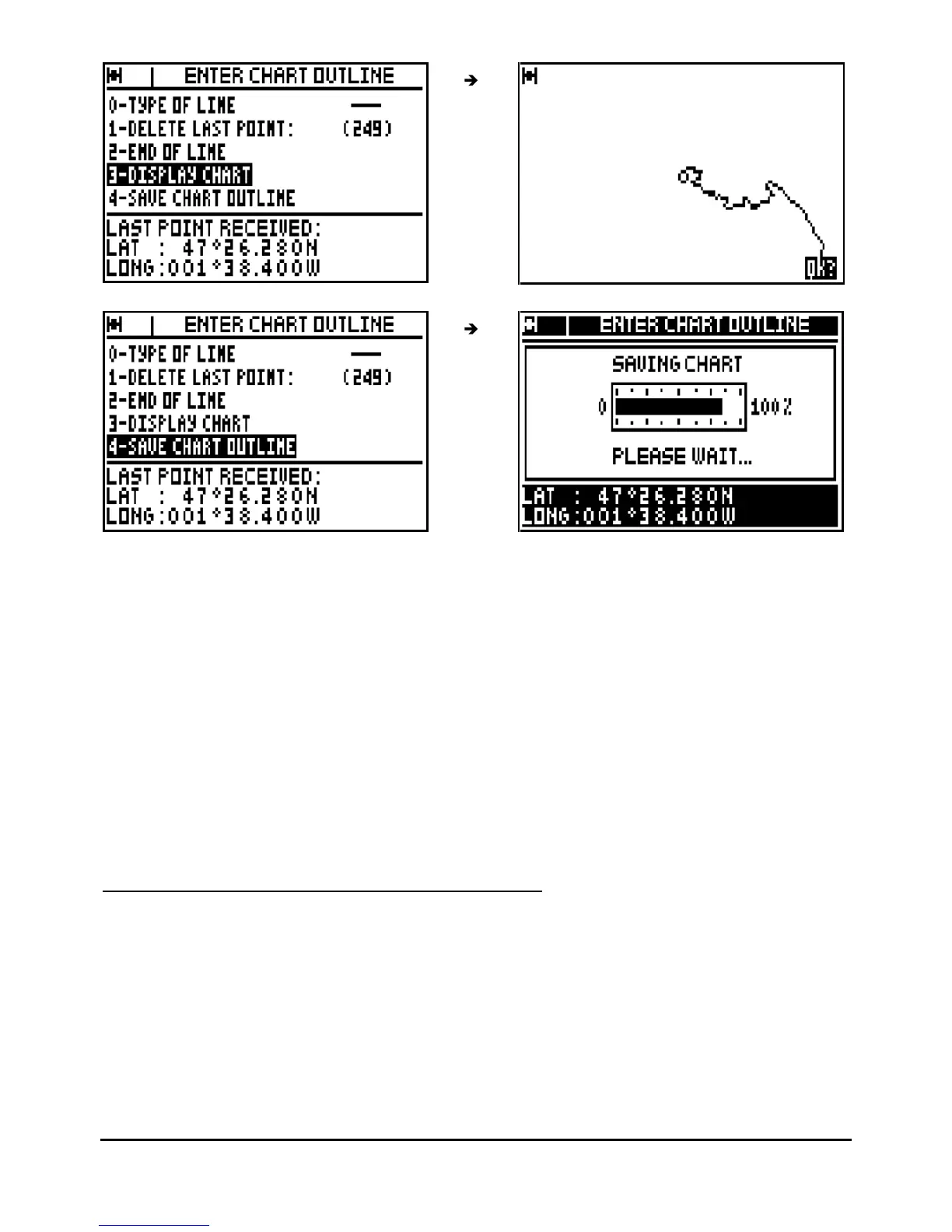
Advice : When you have displayed the chart outline, press
Enter
to return to the chart options
MENU. To save your work it is imperative to select option 4 – SAVE CHART OUTLINE or to
confirm when the back-up window is displayed (this window is displayed after pressing a non-
authorised key).
Advice
: You can erase as many waypoints as you wish by selecting option
1
(1
-
DELETE LAST
POINT), this operation may be carried out as many times as necessary. The number of stored
points is automatically updated at the conclusion of this operation.
Note : To load a chart from a PC with the PMS WAYPOINTS & ROUTES software, proceed to
the following instructions : choose the NMEA183 format for the serial input, connect your
receiver to a PC using a serial port (connector DB-9, port COM1, COM2,…). Activate the
ENT
ER CHART OUTLINE function and start the loading from the PC. Once the waypoints are
loaded validate by pressing
Enter
.
5.7.
–
DELETE THE TRACK OR THE CHART OUTLINE
From the PLOTTER function, press the
Menu
key and press key 6 (or select 6-DELETE and
pres
s
Enter
), then press the key 0 to delete the track or the key 1 to delete the chart outline,
and press
Enter
to confirm.



 To Next Page