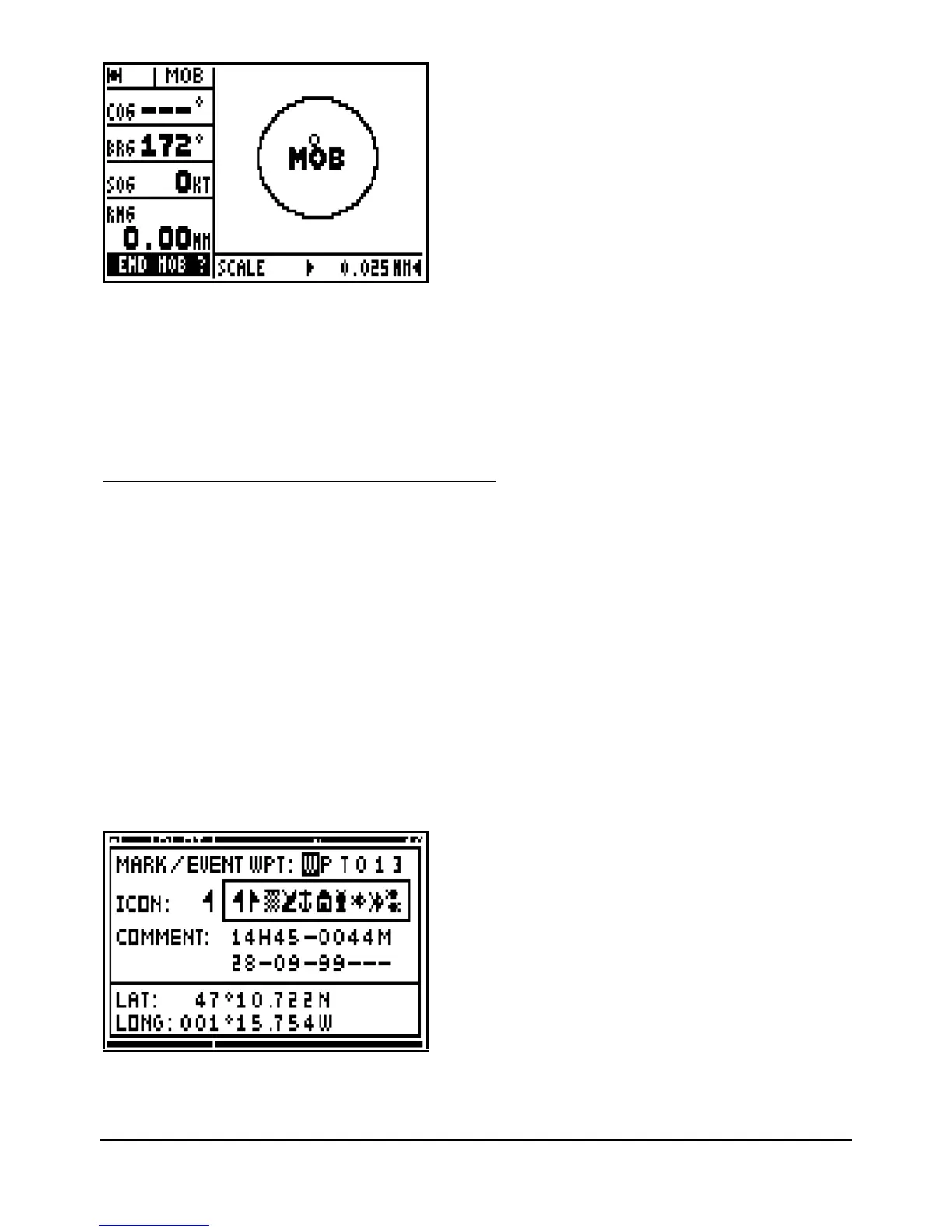
To stop the MOB function, press the
Enter
key when the MOB function is displayed.
Not
e: The plotter function (PLOT) is not available when the MOB function is active.
Advice: In practice, it is advisable to press the Mark/Mob key at least three times in order to
activate this function as this covers both configurations.
6.2.
–
MARK (EVE
NT / WAYPOINT) ACTIVATION
This function allows you to store event waypoint MARKS (or points of passage). An event
waypoint allows you to store very quickly and easily the position of an object at your current
position. This function is only available whe
n your GPS is set to MARK AND MOB.
From any function you may press the Mark/Mob key to display a list of event waypoints. This
window is very similar to the waypoint list window. A name, an icon and a comment are
proposed, press
Enter
to accept them or
to validate your modifications.
The proposed name is formed by the three WPT letters and three figures in numerical order e.g.
WPT001, WPT002, WPT003...
The proposed icon is a flag.
The proposed comment comprises of the time, the altitude and the date calculated by the
receiver at the time you press on the
Mark/Mob
key.



 To Next Page