FX312 & FX412 VERSION 2.0
46
C – B
EGINNERS GUIDE
1
–
POWER ON/OFF
Press the
PWR
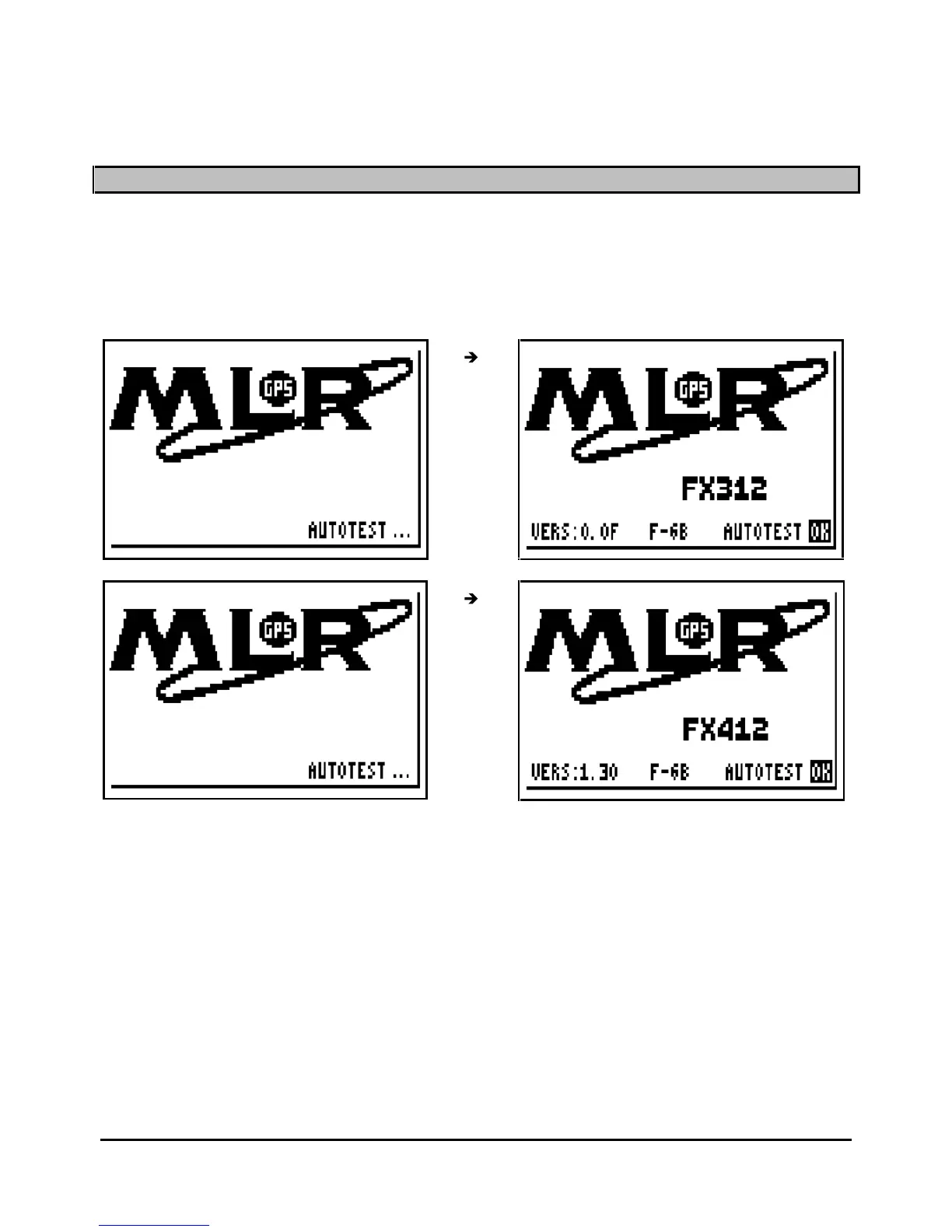
key to switch on your GPS, an audible beep is given out and the FX312 begins
a sequence of autotests. Then, the FX312 (or FX412) indication, the software version and OK
are displayed. From this moment you have access to all functions. If no function is selected
within 10 seconds, the POSITION function is displayed.
The date and the time are displayed on receipt of the first satellite signal. When sufficient
satell
ite signals are received : the position, altitude, speed and the course are calculated. The
symbol representing a satellite is displayed in the top left of the screen indicating that your GPS
is receiving enough satellite signals to calculate and validate
its position.



 To Next Page