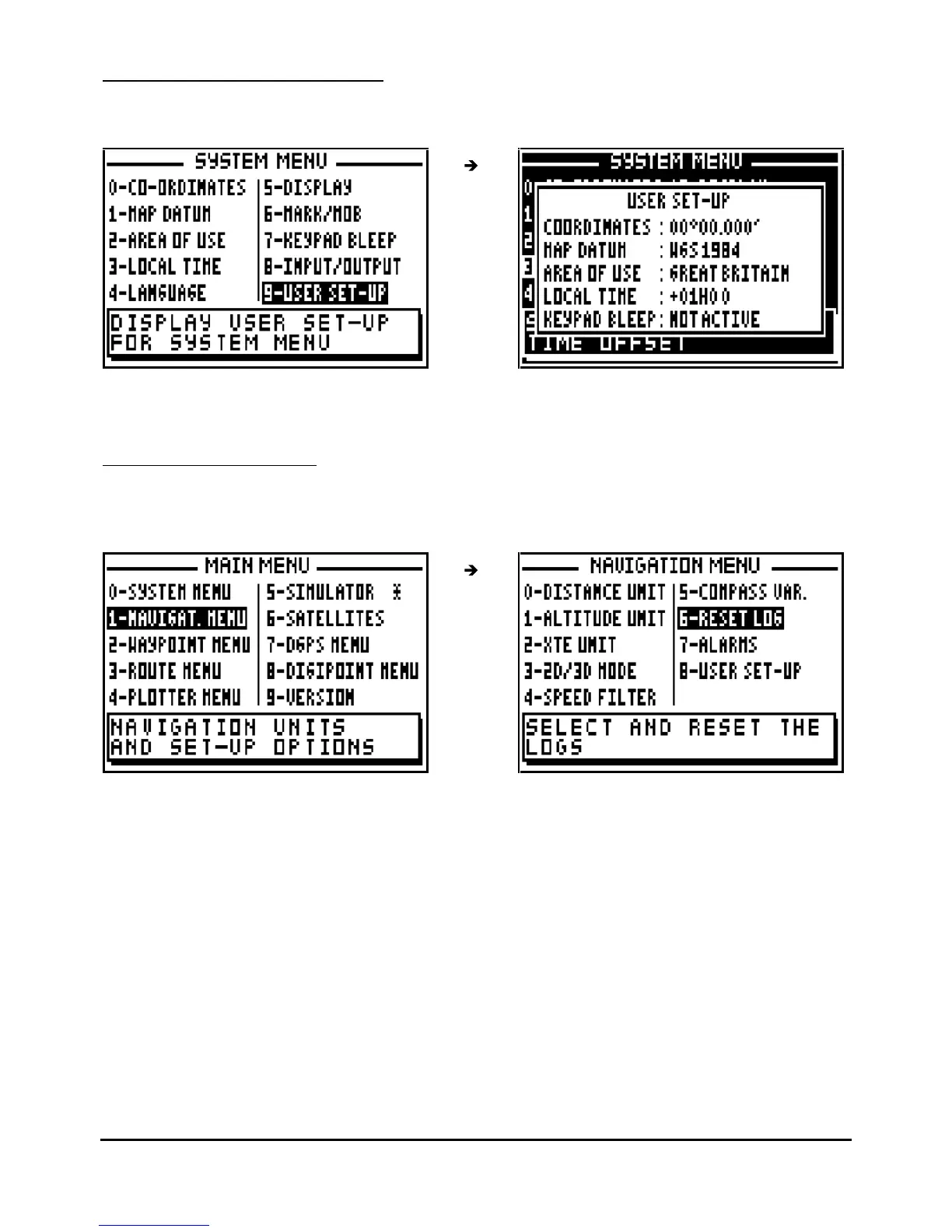
Information that is not directly visible is displayed in the SYSTEM MENU user set up.
7.2.
–
NAVIGATION MENU
From MAIN MENU, press key 1 (or select 1-NAVIGAT.MENU and press
Enter
). It is also
possible to reach this MENU from the NAVIGATION function by pressing the
Menu
key.
In the NAVIGATION MENU the options available are:
-
0
-
select the distance and speed units
-
1
-
select the altitude unit
-
2
-
select the cross track error unit
-
3
-
select 2D/3D mode
-
4
-
select the speed filter rate
-
5
-
set compass variation
-
6
-
reset trip logs
-
7
-
set up the alarms (arrival, anchor or XTE)
- 8 -
display summary
of navigation user options
Note: The window situated in the bottom of the screen explains the selected option.



 To Next Page