48
c
ircle will present a very weak elevation over the horizon; it will be difficult to receive. A satellite
close to the centre has a greater elevation (close to 90°); it will be received without any problem.
In the right part a bargraph details the quality of reception of every satellite, no bar = no
reception, black bar at 3/4 of the height = perfect reception. The D O P (Dilution of Position) is
an indication of calculated accuracy of the horizontal position, this depends on the respective
positions of sat
ellites in relation to each other. The best accuracy will be obtained when the D O
P (Dilution of Position) is 1.
Note 1 : Every GPS satellite circles the earth in 11 hours and 58 minutes. According to the time
of day the number of available satellites in the sky varies from 6 to 12. On average 9 satellites
are visible.
Note 2 : The fact that the satellites are always above your antenna, implies that the altitude
accuracy is 2 times less than the position accuracy.
____________________
3
–
CONTRAST AND
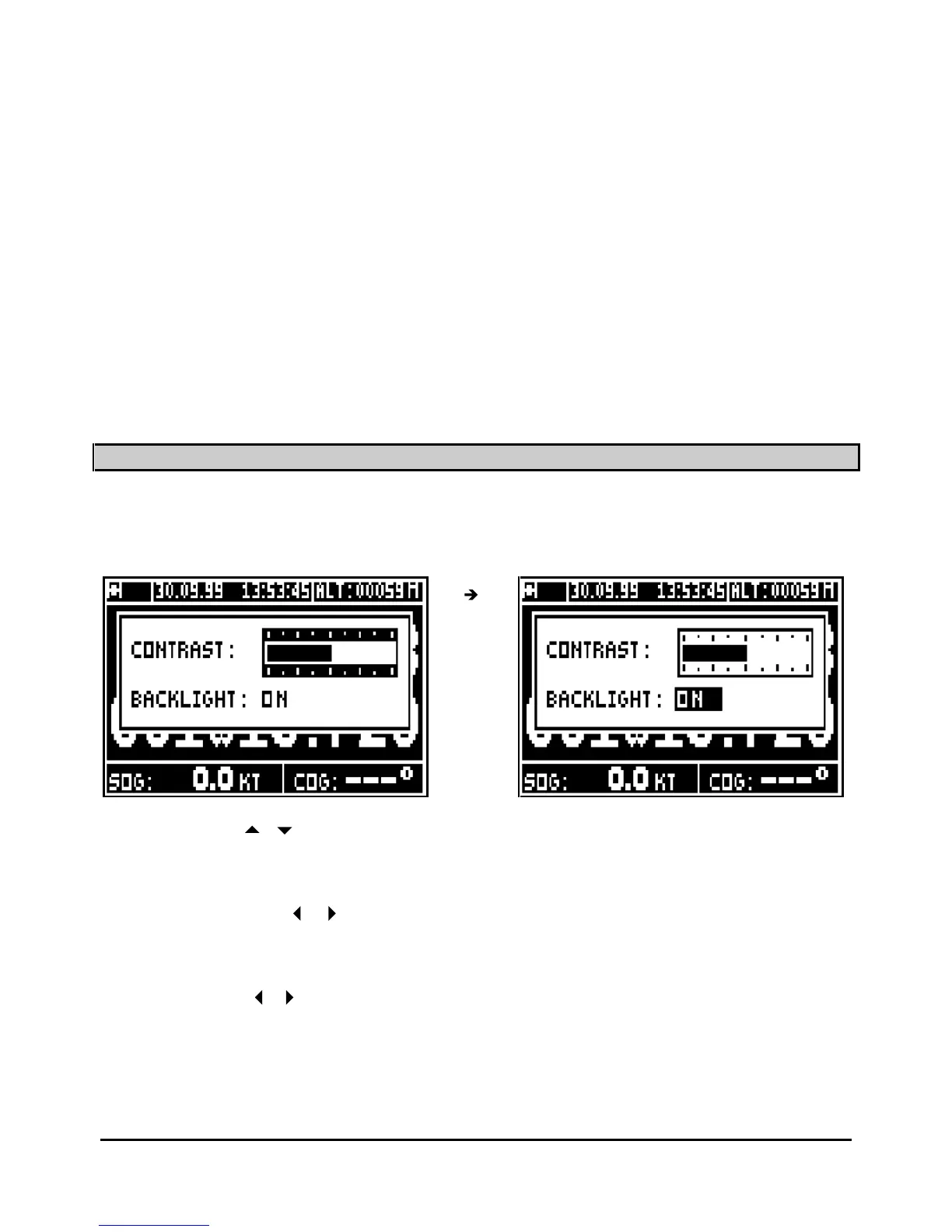
BACKLIGHT ADJUSTMENT
When the receiver is on, briefly press the
PWR
key to illuminate the display and keyboard. This
action will also activate the display menu.
Use the vertical
arrow keys to move the cursor from contrast to backlight or
from
backlight to contrast.
Contrast:
To use the horizontal
arrow keys to adjust the contrast when the cursor is on the
contrast bargraph.
Light:
Use the horizontal
arrow keys to switch the backlight on or off .
Press
Enter
to validate your adj
ustment and to erase the window.
Tip: To illuminate the GPS quickly press
PWR
and
Enter
.
____________________



 To Next Page