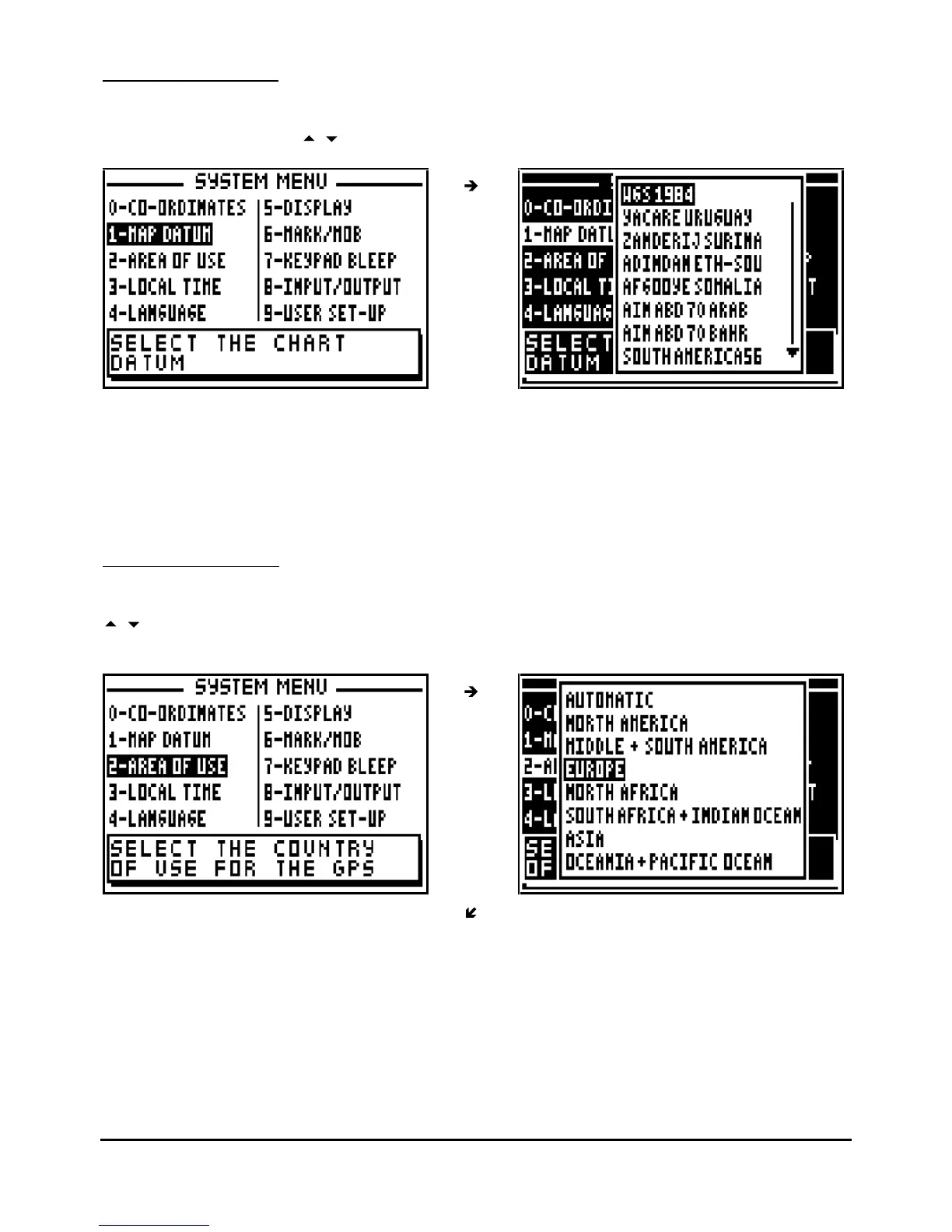
To select the right format, identify the map datum used on your p
aper chart and check Annexe 2
where you will find the list of the available Map Datum formats for the receiver.
Advice: For UK use formats OSGB 36. For the rest of the world you can use by default the
datum's WGS -
72 or WGS
-
84.
7.1.3
–
AREA OF USE
From the SYSTEM MENU, press key 2 (or select 2-AREA OF USE and press
Enter
. Using the
arrow keys, first select the Continent and press
Enter
, then select the country or the zone
where you use your GPS and press
Enter to confirm
.



 To Next Page