www.mobotix.com • sales@mobotix.com
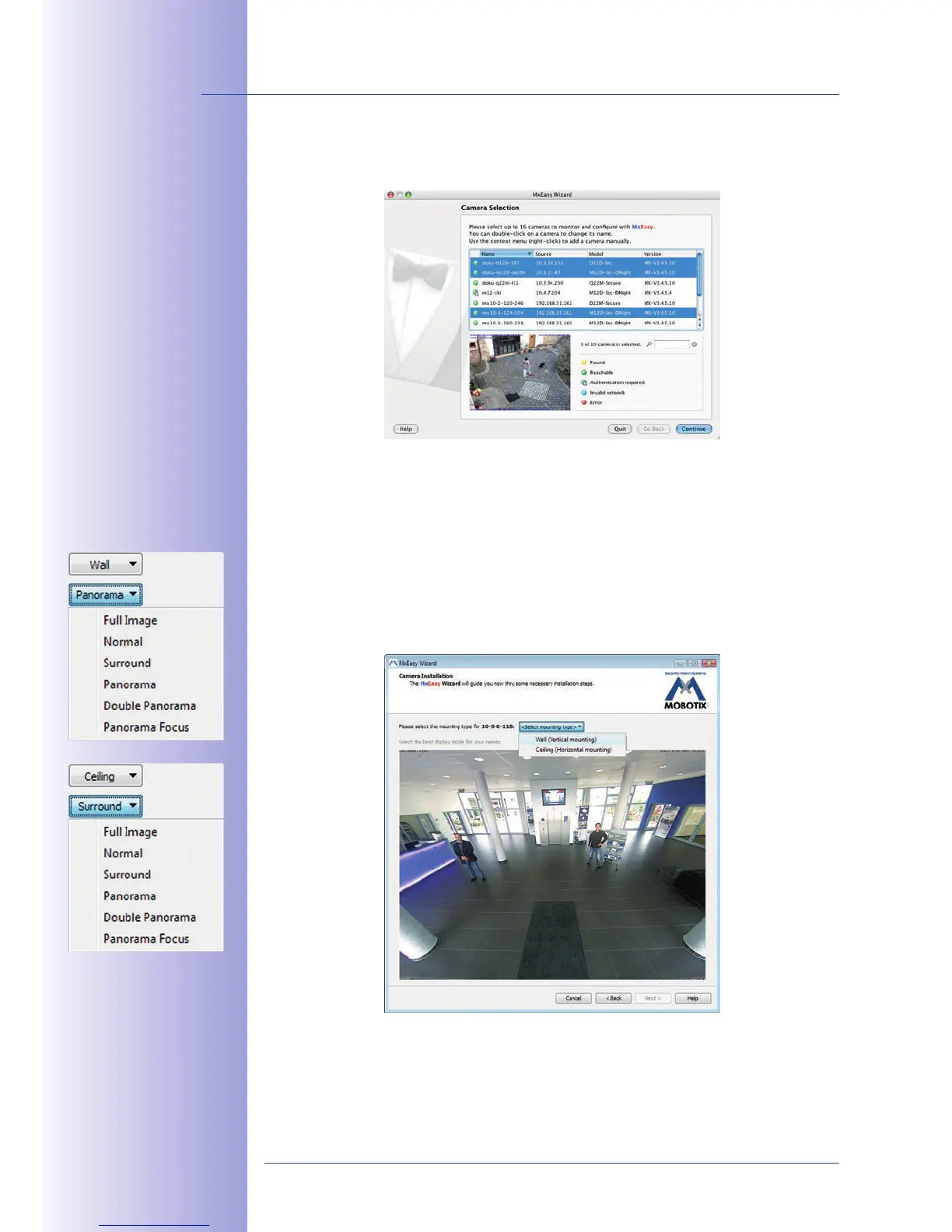
Clicking OK prompts MxEasy to use the selected cameras and to generate a screen with
the live images of the four cameras that you selected first.
If MOBOTIX cameras with a hemispheric L11 lens are selected in the selection list, MxEasy
Assistant displays the dialog shown here for each of the cameras. Here, you can determine
the mounting position and the desired image view of each camera (wall or ceiling). The
screens are displayed dierently depending on the mounting position.



 To Next Page