EasyManua.ls Logo

Mobotix M24M - Page 107

Mobotix M24M
148 pages
Print Icon
To Next Page IconTo Next Page
To Previous Page IconTo Previous Page
Loading...



www.mobotix.com • sales@mobotix.com
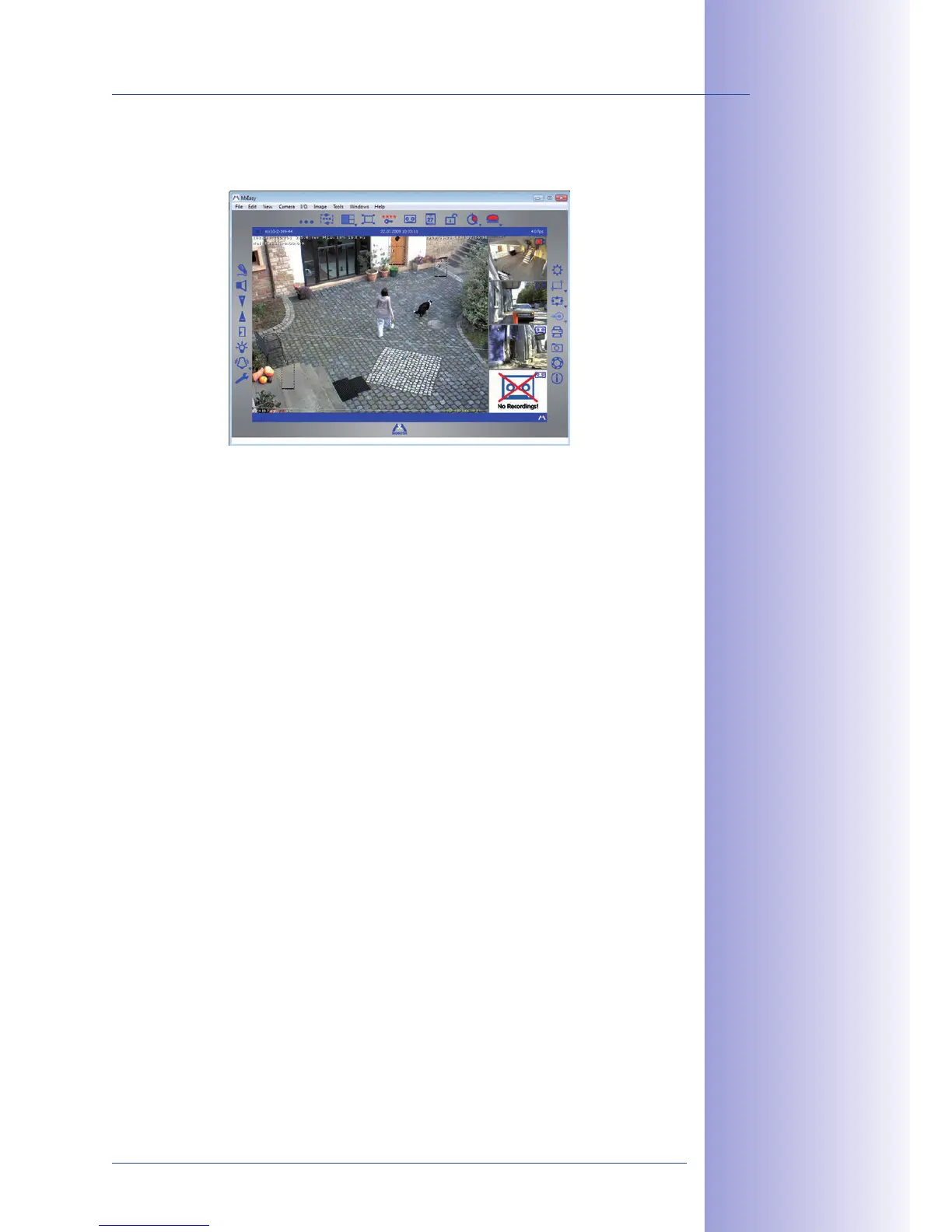
The panel at the bottom right-hand corner always displays the most recent event image
of whatever camera is visible in the large panel. Double-click on a small camera panel to
move this camera's live image to the large panel. Use  at any
time to add MOBOTIX cameras to MxEasy (max. 16 cameras in total).

Table of Contents

Related product manuals