www.mobotix.com • sales@mobotix.com
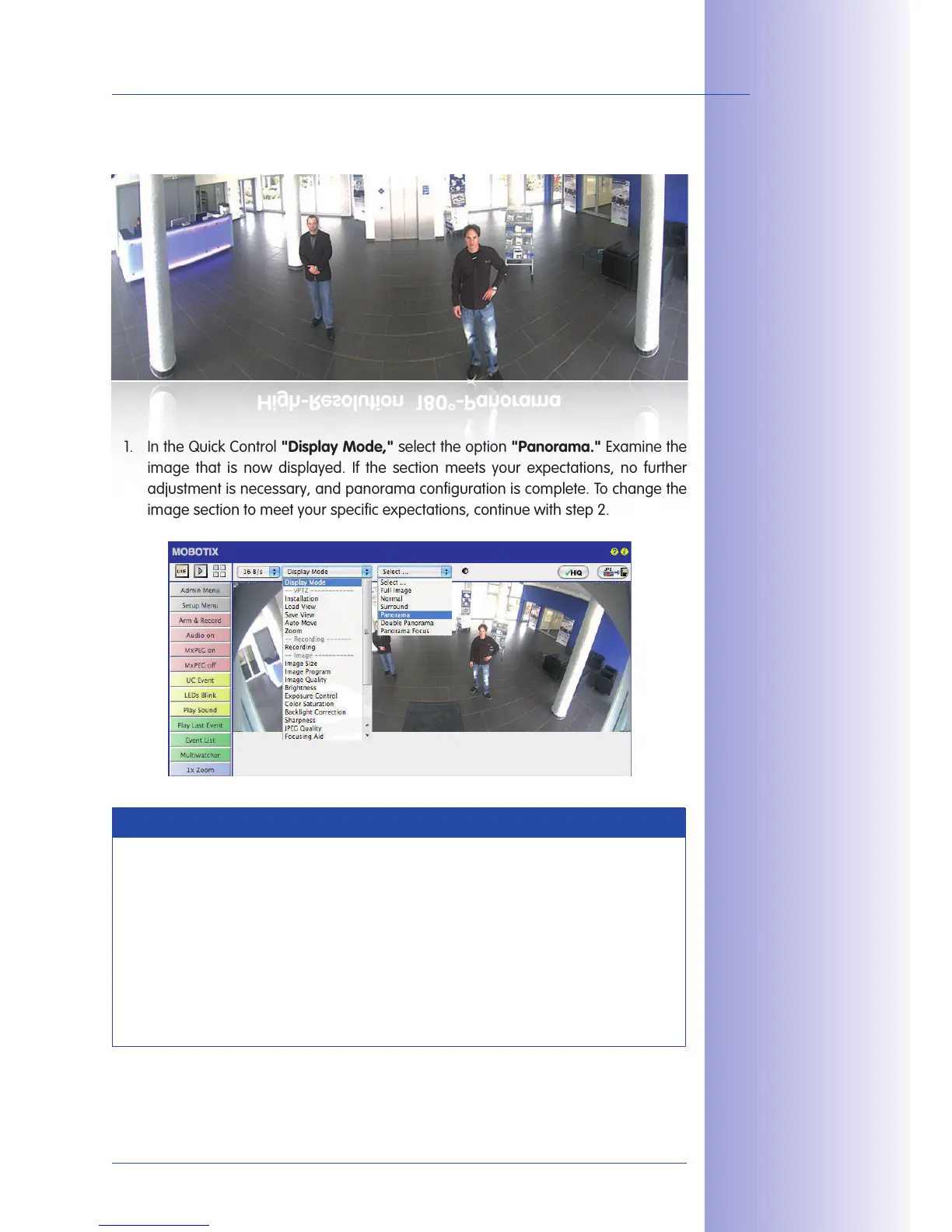
1. In the Quick Control select the option Examine the
image that is now displayed. If the section meets your expectations, no further
adjustment is necessary, and panorama configuration is complete. To change the
image section to meet your specific expectations, continue with step 2.
Note
The currently visible image section may dier from the desired image section, to
the installation position or the weatherproof cover, for example. However, it is not
necessary to physically move the camera, as in this case the browser alone can
be used to adjust the visible panorama image by zooming, panning, and tilting or
using panorama correction.
Tilted vertical lines may also be optically straightened to the image edges using the
panorama correction function. These tilted lines are primarily caused if the camera
itself is tilted or if the image tilt has been modified.
Camera live image with
panorama correction



 To Next Page