EasyManua.ls Logo

Mobotix M24M - Page 118

Mobotix M24M
148 pages
Print Icon
To Next Page IconTo Next Page
To Previous Page IconTo Previous Page
Loading...



www.mobotix.com • sales@mobotix.com

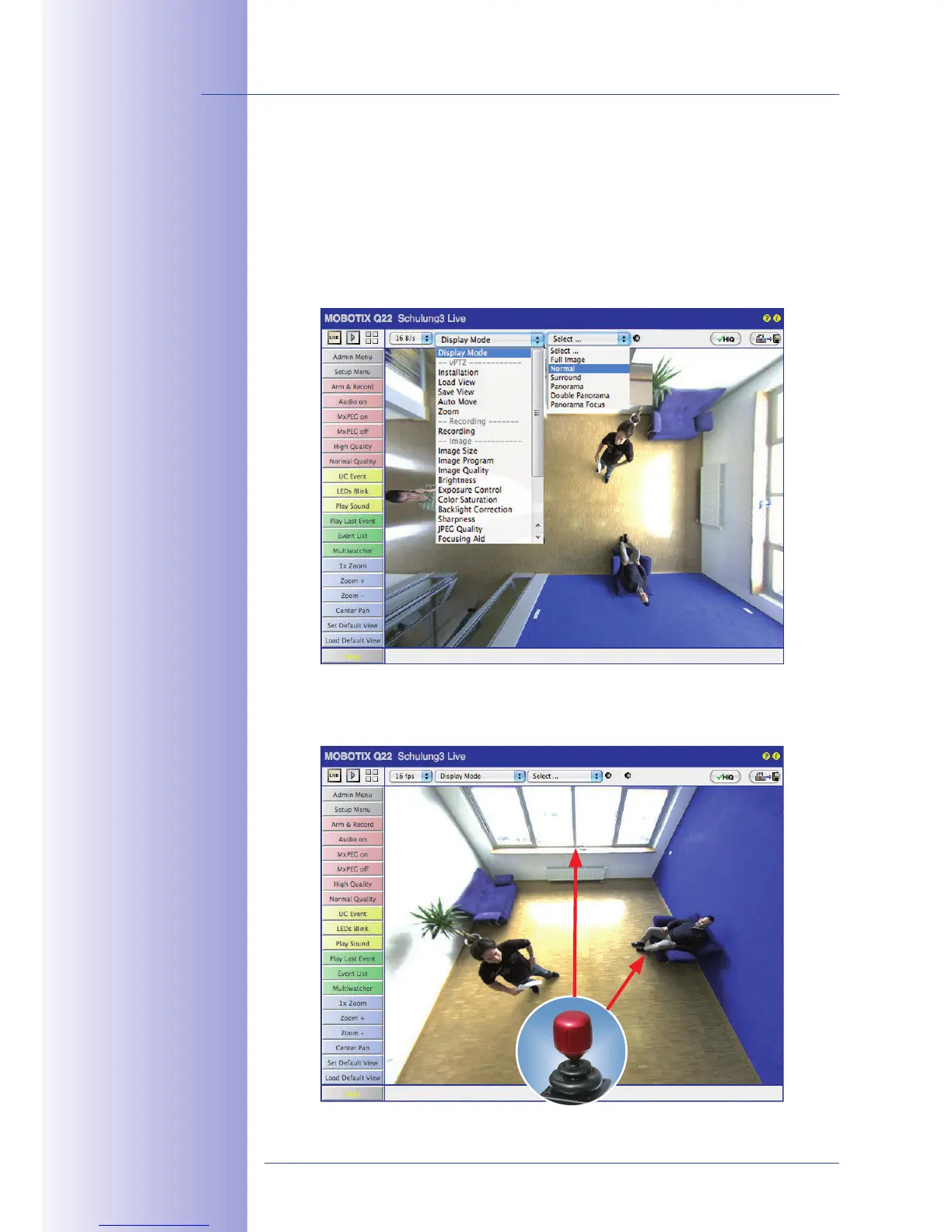
If the camera has been mounted to a ceiling, the M24M should be set to "North." This is not
the "real" direction of North but rather the  of the camera. It
serves as a reference for the North direction in the  and 
display modes (you have already selected the  option in the 
Quick Control).
1. In the Quick Control  select the .
2.
 in the desired direction using the mouse or a joystick connected
to the computer.
For vPTZ use

of a USB joystick,
see Section 3.3


Table of Contents

Related product manuals