EasyManua.ls Logo

Mobotix M24M - Page 117

Mobotix M24M
148 pages
Print Icon
To Next Page IconTo Next Page
To Previous Page IconTo Previous Page
Loading...



www.mobotix.com • sales@mobotix.com
:
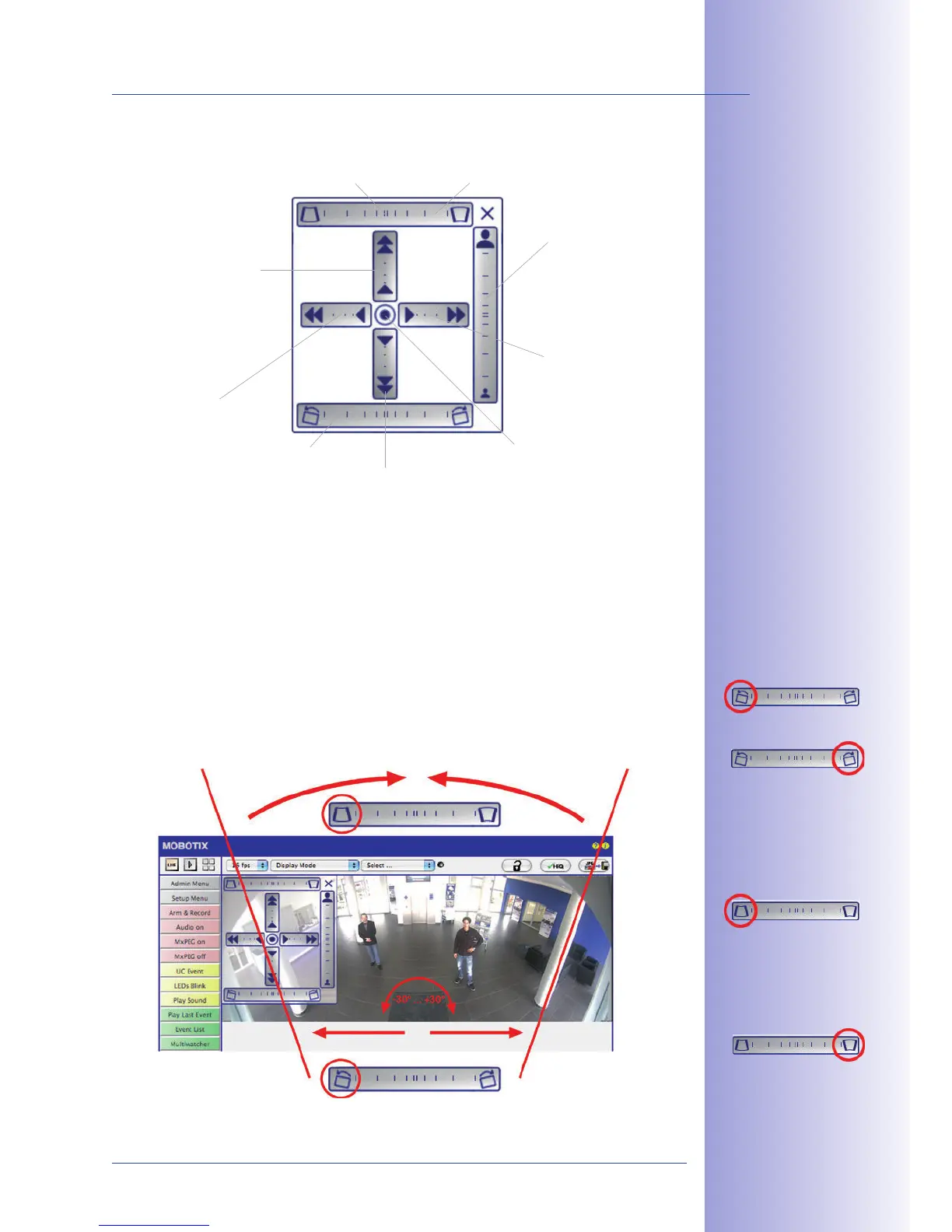
You can set the OnScreen Control by clicking the individual areas (panning, tilting, zooming,
panorama and horizon correction) in two dierent directions with the mouse. Each area
is represented by a horizontal or vertical bar with a central point. 
. Clicking
the central point of the cross leads directly to the default setting of the OnScreen Control.
The  feature causes the 
 and should, if required, be used before panorama correction.
During , clicking between the two trapezoid symbols 
, which are best visible at the edges 
section.









Bring columns together
at the
top (necessary
to correct the example
on the left); weather-
proof cover is removed
from the image
Bring columns together
at the
bottom

PANORAMA
CORRECTION
Rotate image up to -30°
Rotate image up to 
HORIZON CORRECTION

Table of Contents

Related product manuals