Equipment --- Section 5
Cayman 2005
201
• Connect the provided phone cable to Tel Line on the
back of the satellite receiver.
• A 12 Volt DC power connection is provided for use
with satellite systems that require 12 Volt DC power to
control satellite dish movement. Power comes from the
front electrical box on the road side.
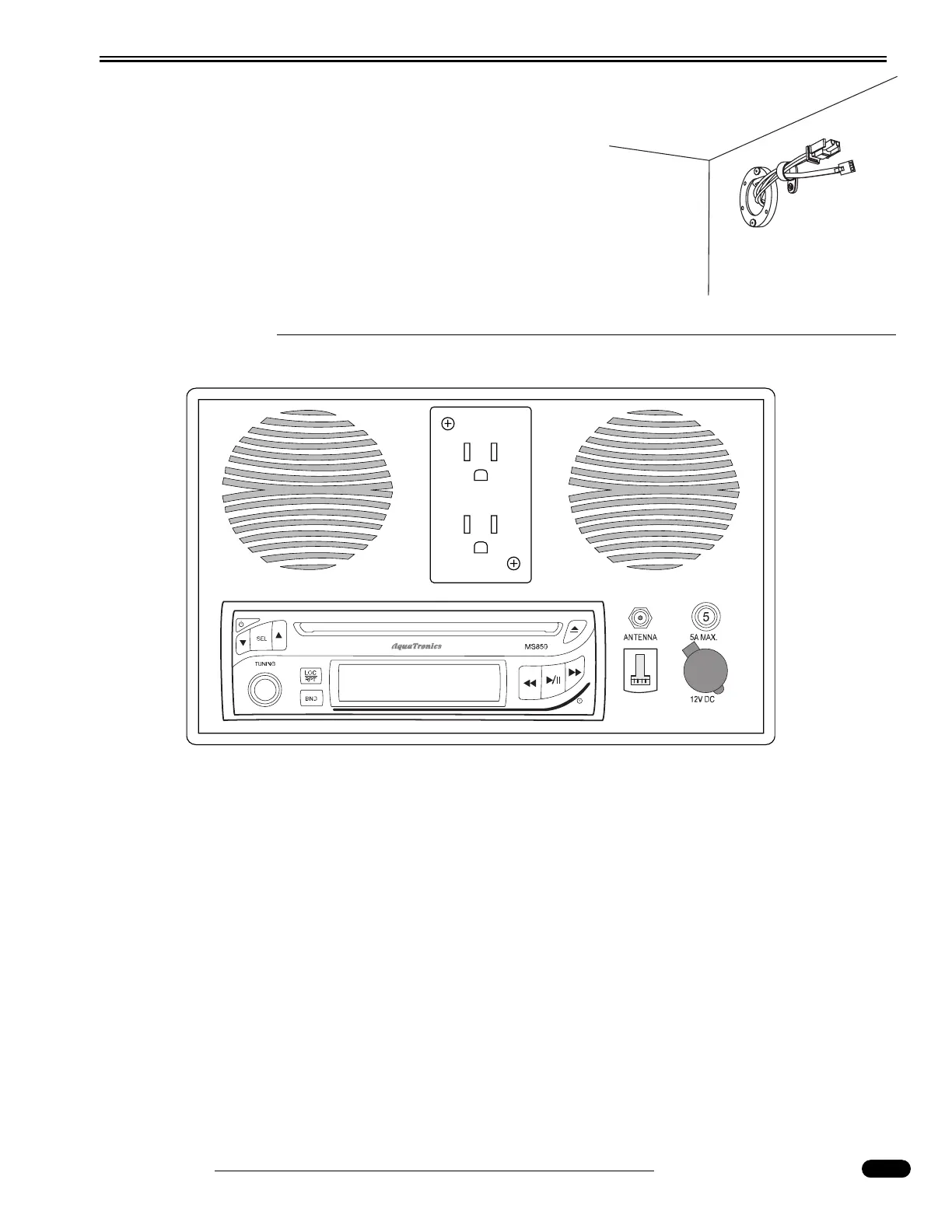
ENTERTAINMENT CENTER - EXTERIOR (Optional)
Functions:
• ON/OFF POWER BUTTON - Press this button to turn the unit on or off.
• VOLUME/LEVEL CONTROL - To increase the volume level, press the up arrow button.
To decrease the volume level, press the down arrow button.
• SELECT BUTTON - This button is used to select the audio function (volume, treble, bass,
balance or fade) to be adjusted using the Level Control.
• AM/FM BAND SELECTOR - During radio operation each momentary press of this but-
ton will change the radio band.
• TUNER - To manually tune in a station turn knob to appropriate direction until the
desired frequency is reached.
060248
12 Volt DC Power and Phone Connection




 To Next Page