GETTING STARTED
The Monarch® 9855® printer lets you print text, graphics, and bar
codes on thermal transfer (ribbon) and thermal direct labels or tags. The
9855 printer prints labels continuously (in one strip) or on-demand (one label
at a time).
You can print on aperture, die cut, black mark, or continuous (non-indexed)
supplies. Continuous supply must be used in continuous mode. See
"Supply Type
" in Chapter 4 for more information about the supply types.
This chapter includes information about
unpacking the printer
connecting the power cord
connecting the communication cable
using the printer's control panel.
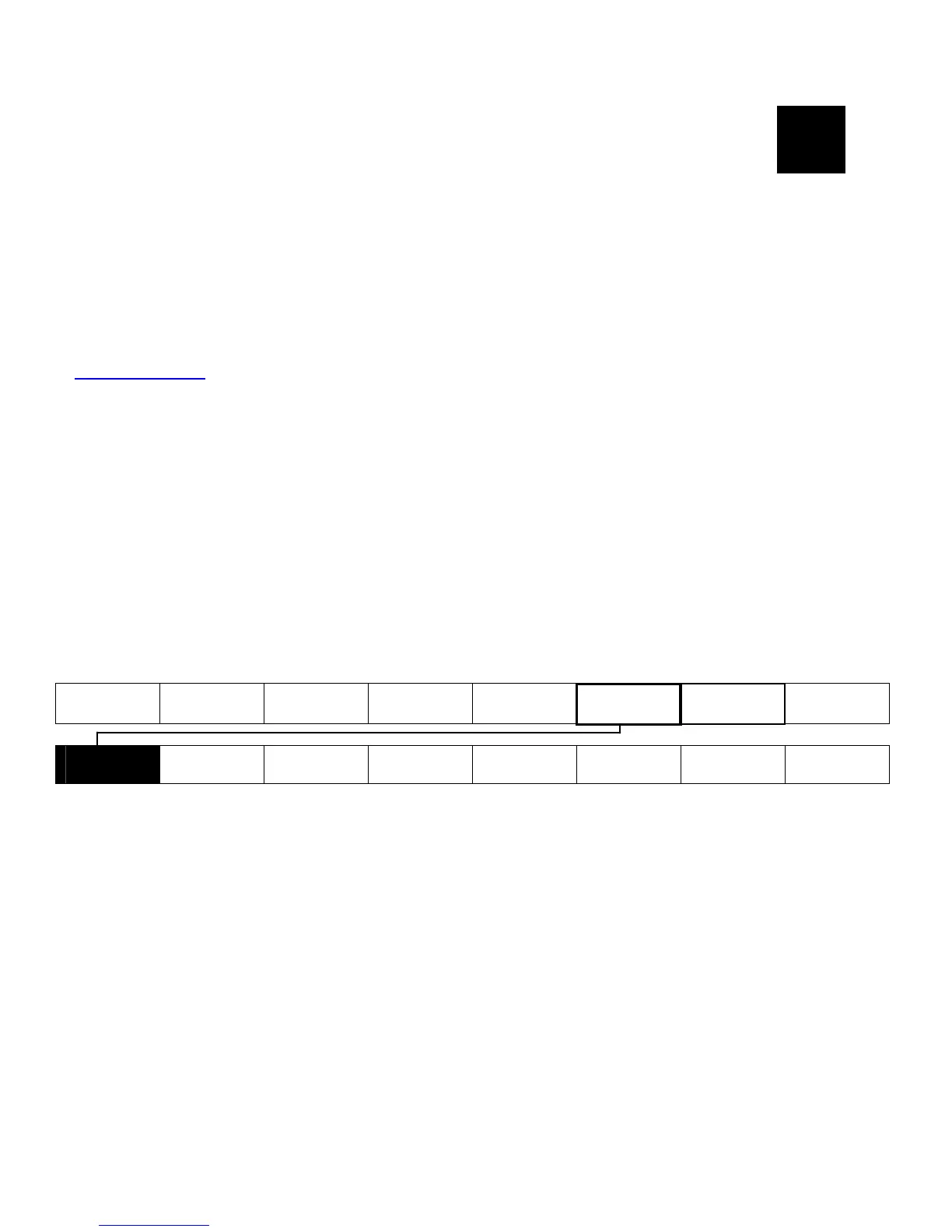
Several chapters of this manual have one or more charts showing the
printer's menu structure. For example:
Main Menu
Cancel All Print Mode Batch Entry Repeat
Batch
Batch
Options
Setup Scripts Diagnostics
Supply
Contrast
Defaults
Network
Port
Settings
Flash
Memory
Verifier
RFID
1
The black boxes show where you are; the bordered boxes show how you got
there.
Refer to the MonarchNet2™ Operating Instructions for information about the
Network menu.
Refer to the RFID Application Notes for information about the RFID menu.
Getting Started 1-1



 To Next Page