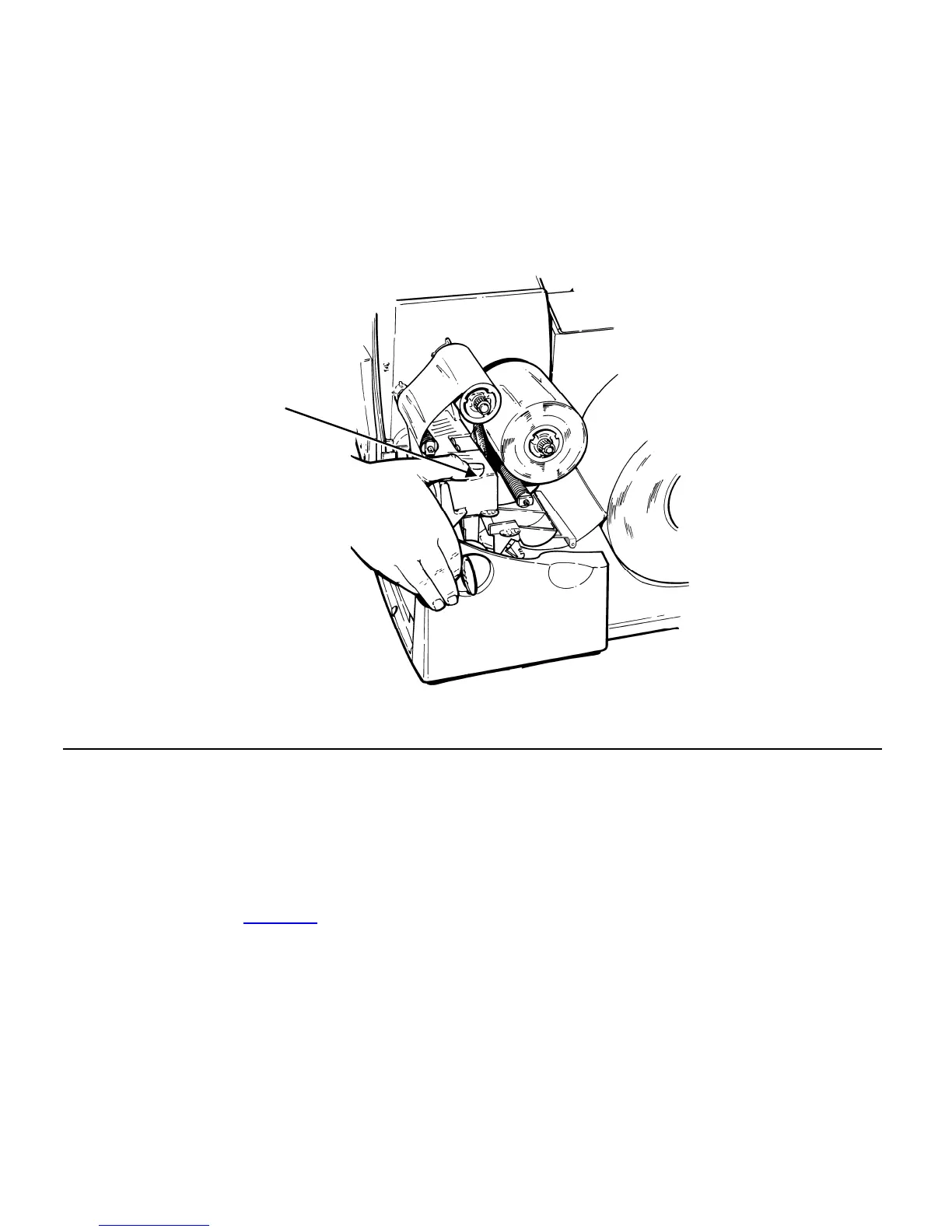
12. Remove any slack in the ribbon by turning the take-up reel clockwise.
13. Hold the printhead assembly by the printhead tab while pressing down on
the printhead release.
14. Close the printhead by pressing down on the thumb well until you hear it
click into place. Close the cover.
Thumb Well
Using a High Energy Ribbon
High energy ribbon is an option for this printer. It enables you to print on
high energy (TUFF-MARK®) supplies.
When you select high energy ribbon for the printer setting, you are setting
the printer to a higher printing temperature. Select this setting only after you
have loaded a high energy ribbon and supply or it may damage your
printhead. See "Ribbon
" in Chapter 4 for more information.
3-4 Operator's Handbook



 To Next Page