Using Batch Separators
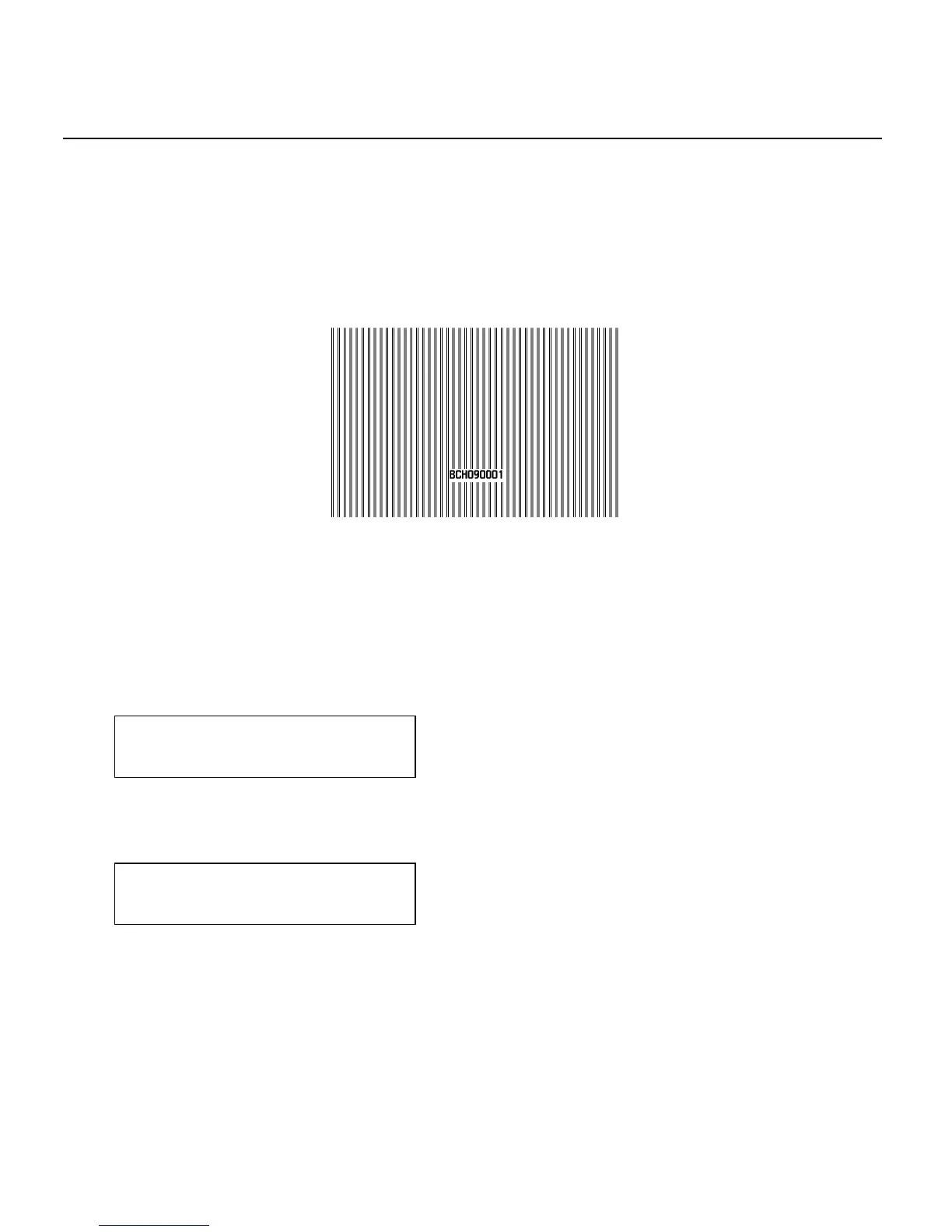
A batch separator is an extra tag printed in between batches with a pinstripe
pattern. If you select "Long" for the separator, a double-length (two tags)
separator prints. For non-indexed supply, the batch separator is always six
inches long. If you have the Monarch® 928™ stacker installed, the batch
separator is 3.66 inches long. The name of the batch is shown on the batch
separator.
Batch Separator
Note:
Changing this setting only affects new formats sent to the printer.
To change the setting, from the Main Menu, select Setup, then Supply.
Then, follow
these steps.
1. Press or until you see
SUPPLY
Separators
2. Press Enter/Pause to set the batch separators option. The current
setting is displayed, for example:
SEPARATORS
No
3. Press or to see the other options. After you display the option you
want, press Enter/Pause. Press Escape/Clear until you see the Main
Menu.
Setting Supply Options 4-15



 To Next Page