Pausing a Batch
You can pause printing by pressing Enter/Pause. You may want to interrupt
a batch to make adjustments for:
Loading a different roll of supply or a ribbon. See Chapter 2, "Loading
Supplies" or Chapter 3, "Loading Ribbon" for more information.
Adjusting the supply position or contrast using the Setup menu. See
Chapter 4, "Setting Supply Options
" for more information.
When you press Enter/Pause you will see
PAUSE MENU
Print Mode
You can press Enter/Pause to resume printing or press or to display
the Pause Menu options.
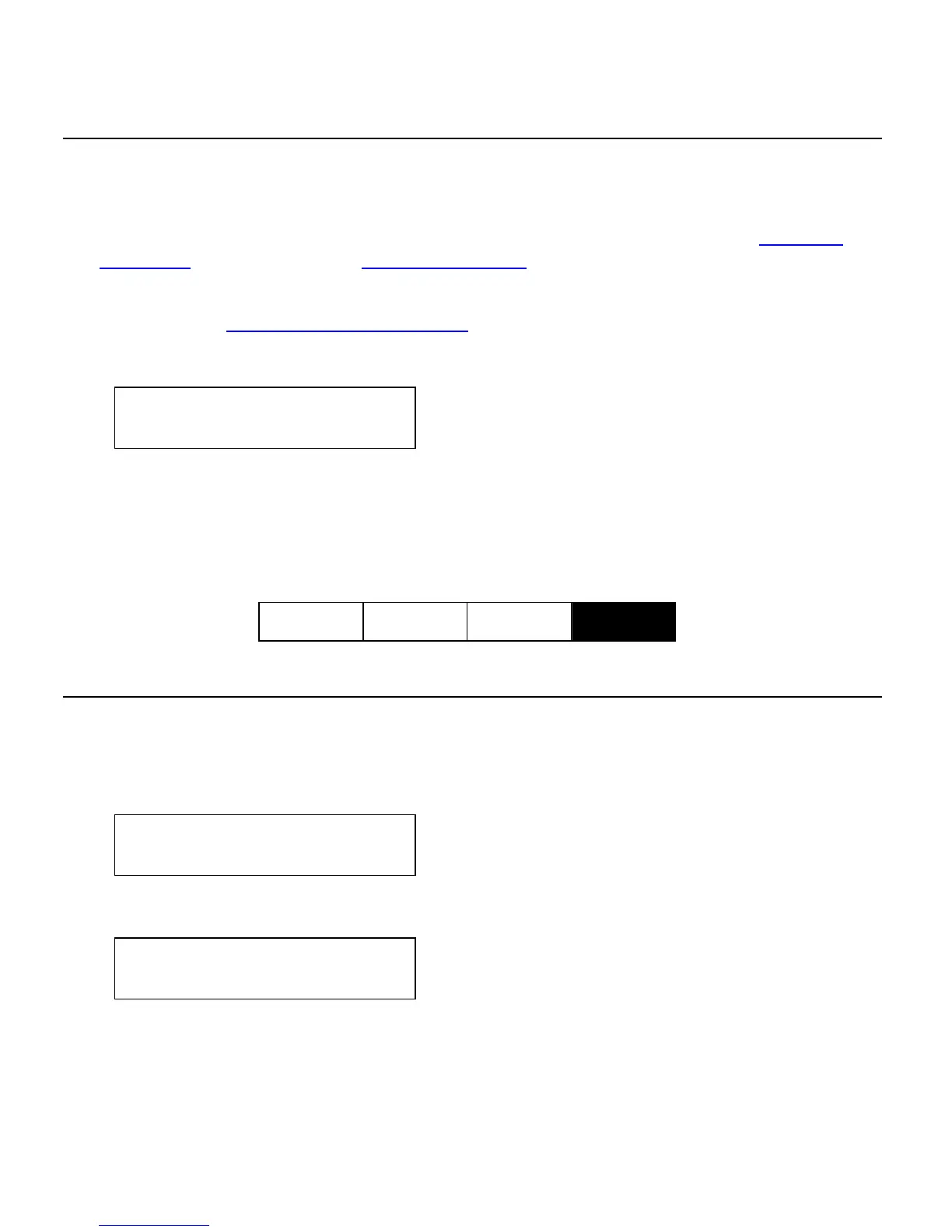
The following chart shows the Pause Menu options.
Pause Menu
Cancel
Batch
Cancel
All
Print
Mode
Restart
Batch
Restarting a Batch
You can reprint a paused batch from the beginning (using the original
quantity).
1. When you press Enter/Pause, you will see
PAUSE MENU
Print Mode
2. Press or until you see
PAUSE MENU
Restart Batch
3. Press Enter/Pause. The batch starts printing from the beginning.
Printing 8-3



 To Next Page