Ca
ncel All Print Mode Batch Entry Repeat
Batch
Batch
Options
Setup Scripts Diagnostics
1-8 Operator's Handbook
Selecting a Function
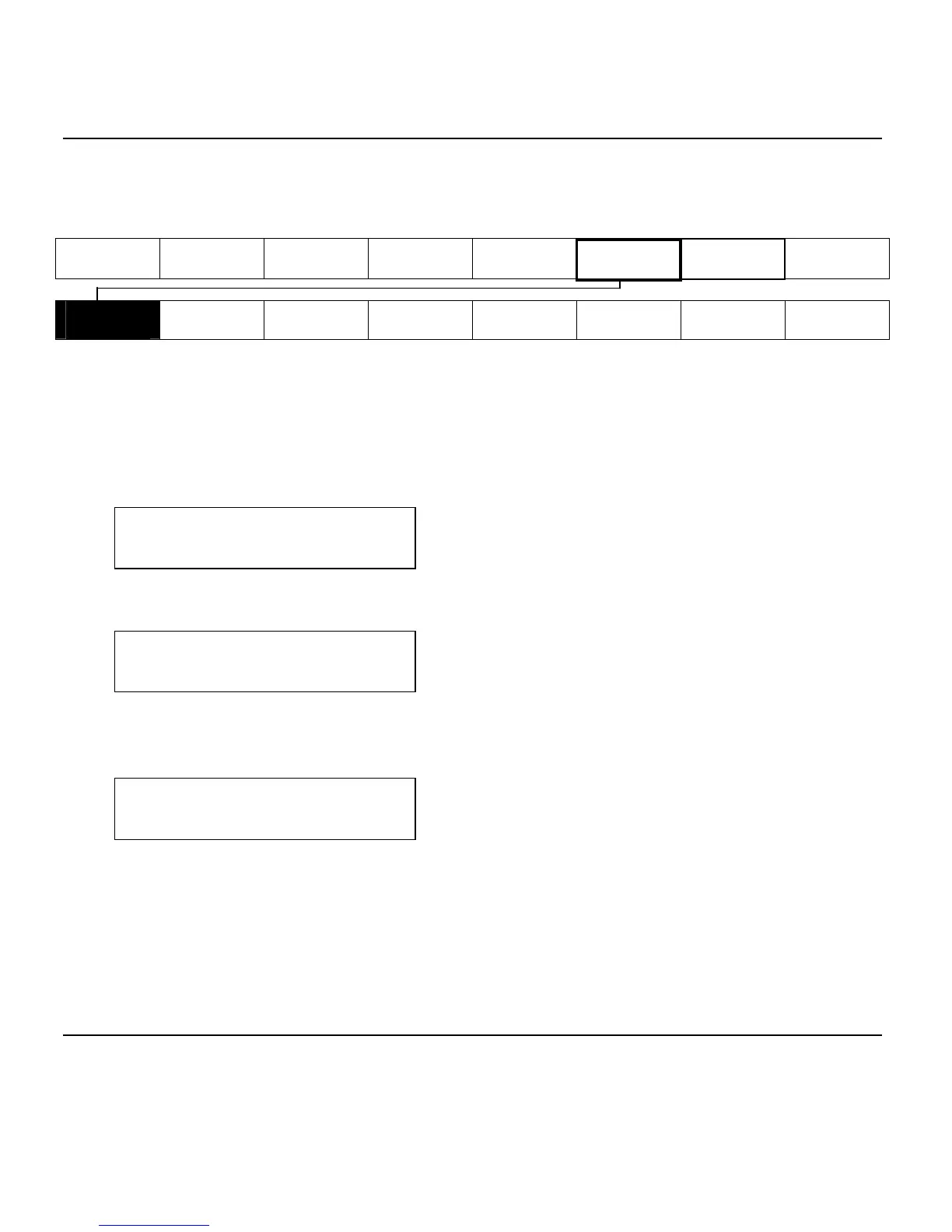
The Main menu has several functions (operating modes). These functions
are shown in the chart below.
Main Menu
Supply
Contrast
Defaults
Network
Port
Settings
Flash
Memory
Verifier
RFID
Note: If the printer displays PRINT MODE Ready when you turn it on,
press Escape/Clear to display the Main menu.
To display menu options, press or .
1. When the screen displays a right arrow, press to display more options.
MAIN MENU
Cancel All
2. When the screen displays a left arrow, press to display more options.
MAIN MENU
Diagnostics
3. When the screen displays a left and a right arrow, press either or to
display more options.
MAIN MENU
Print Mode
4. When you see the menu option you want, press Enter/Pause to select it.
The Main Menu controls the printer's setup and operation. Through the
Setup Menu, you can select a sub-menu for the supply, contrast, default, or
port settings. Each of those sub-menus have several options, such as
ribbon, speed, monetary symbols, and baud rate.
Exiting an Option
To exit an option, press Escape/Clear once. You will exit to the next higher
menu.



 To Next Page