Setting the Print Contrast
The print contrast controls the darkness of the printing on your supply. The
range is -699 to +699 and the default is 0. You may need to increase the
print contrast for linerless supplies. Having the correct print contrast setting
is important because it affects how well your bar codes scan and how long
your printhead lasts. You can use a verifier to check the bar code print
quality.
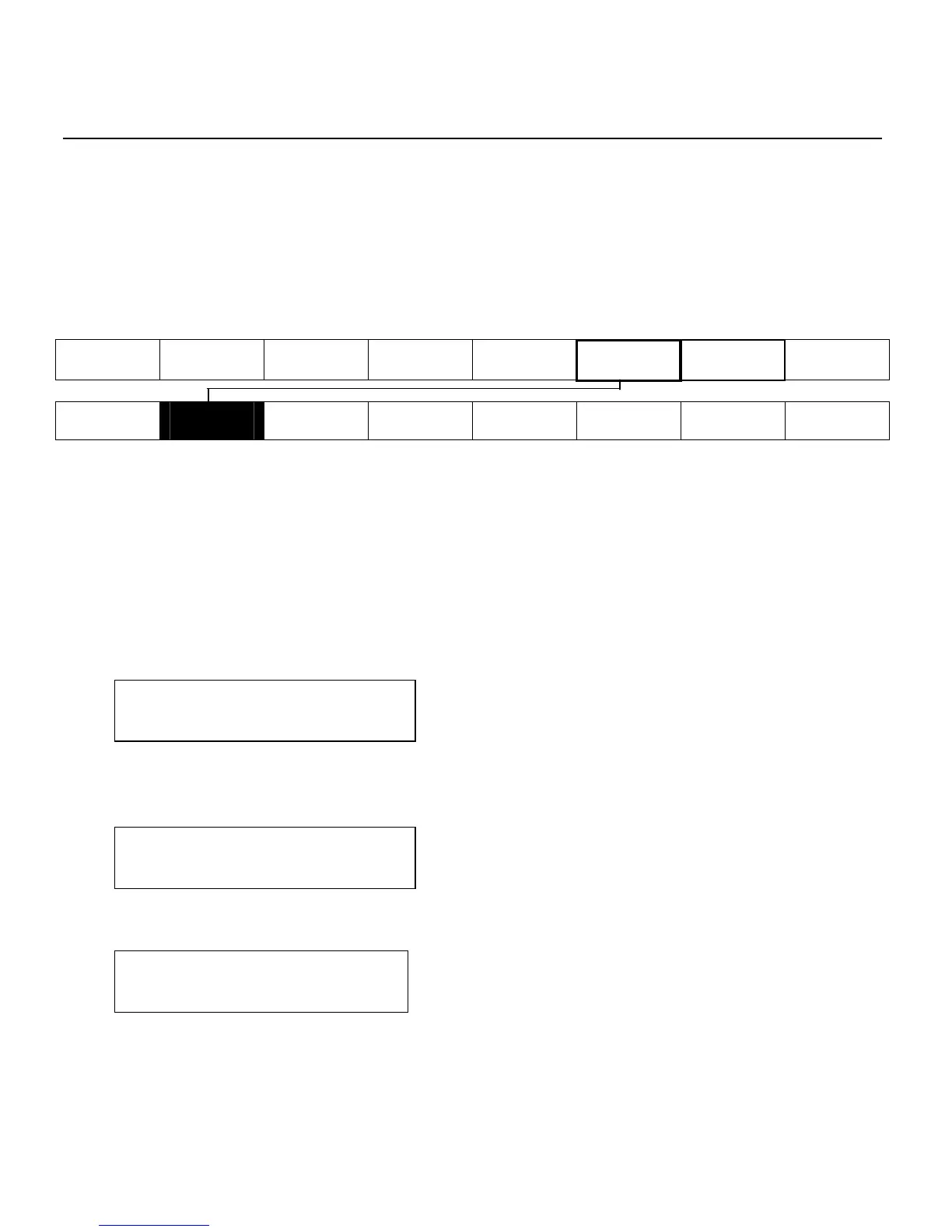
Main Menu
Cancel All Print Mode Batch Entry Repeat
Batch
Batch
Options
Setup Scripts Diagnostics
Supply
Contrast
Defaults
Network
Port
Settings
Flash
Memory
Verifier
RFID
High contrast settings may
require additional printhead cleaning.
create bar code growth, leading to reduced scanning.
CAUTION: Setting the print contrast higher than 399 reduces the printhead
warranty to 100,000 inches and may damage the printhead.
1. From the Main Menu, press or until you see
MAIN MENU
Setup
2. Press Enter/Pause. You will be at the Setup menu. Press or until
you see
SETUP
Contrast
3. Press Enter/Pause. The current setting is displayed, for example:
Enter contrast
[-699/+699]: +0
4. Press or to change the contrast. Pressing darkens the print;
lightens the print.
4-20 Operator's Handbook



 To Next Page