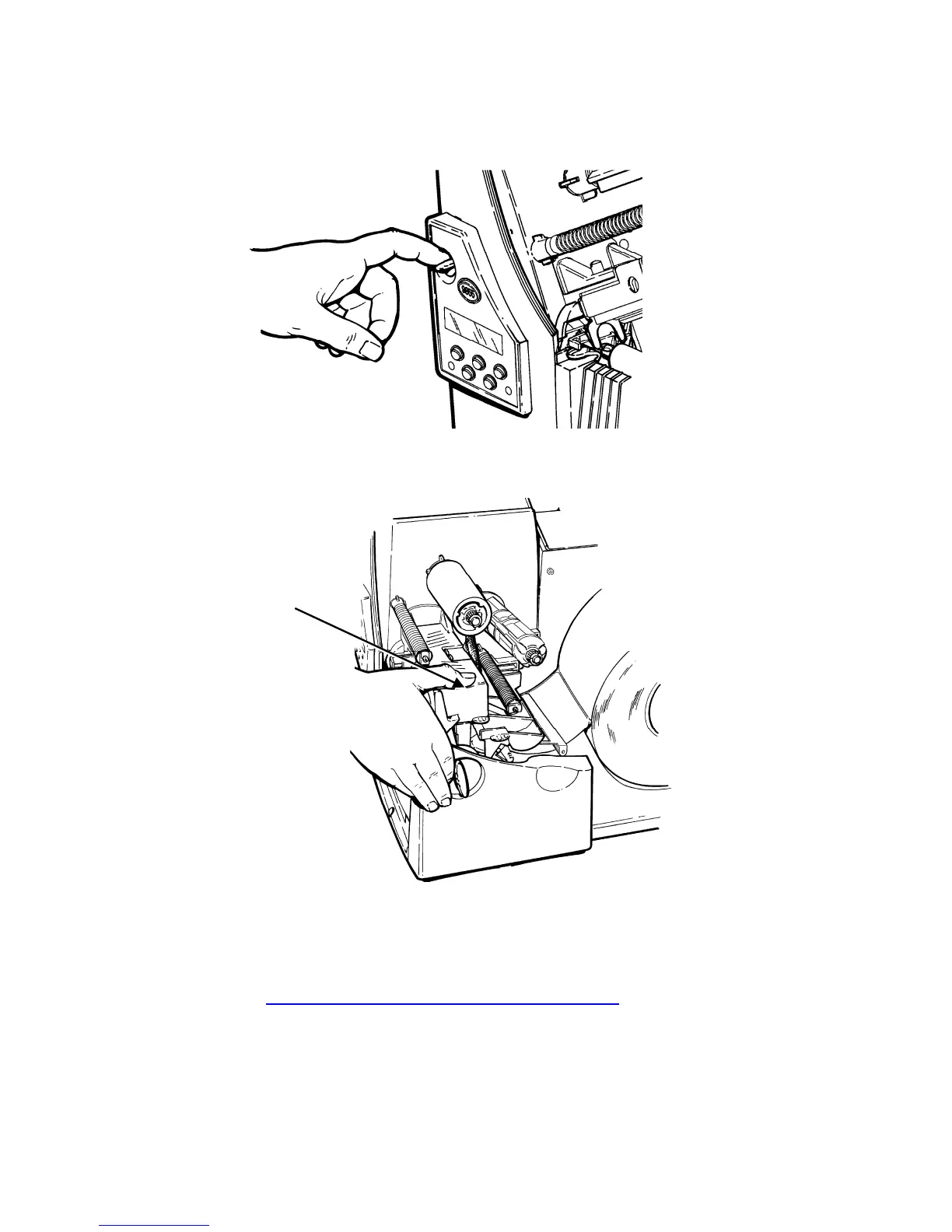
9. Hold the printhead assembly by the printhead tab while pressing down on
the printhead release.
10
. Close the printhead by pressing down on the thumb well until you hear it
click into place.
Thumb Well
11
. Close the cover.
12. Press Feed/Cut to position the supply under the printhead.
You may need to adjust the wide/narrow knobs depending on the width of
your supply. See "Adjusting the Wide/Narrow Knobs
" for more
information.
Note: If the printer will be unused for extended periods of time, we
recommend leaving the printhead unlatched.
2-6 Operator's Handbook



 To Next Page