3
Warning
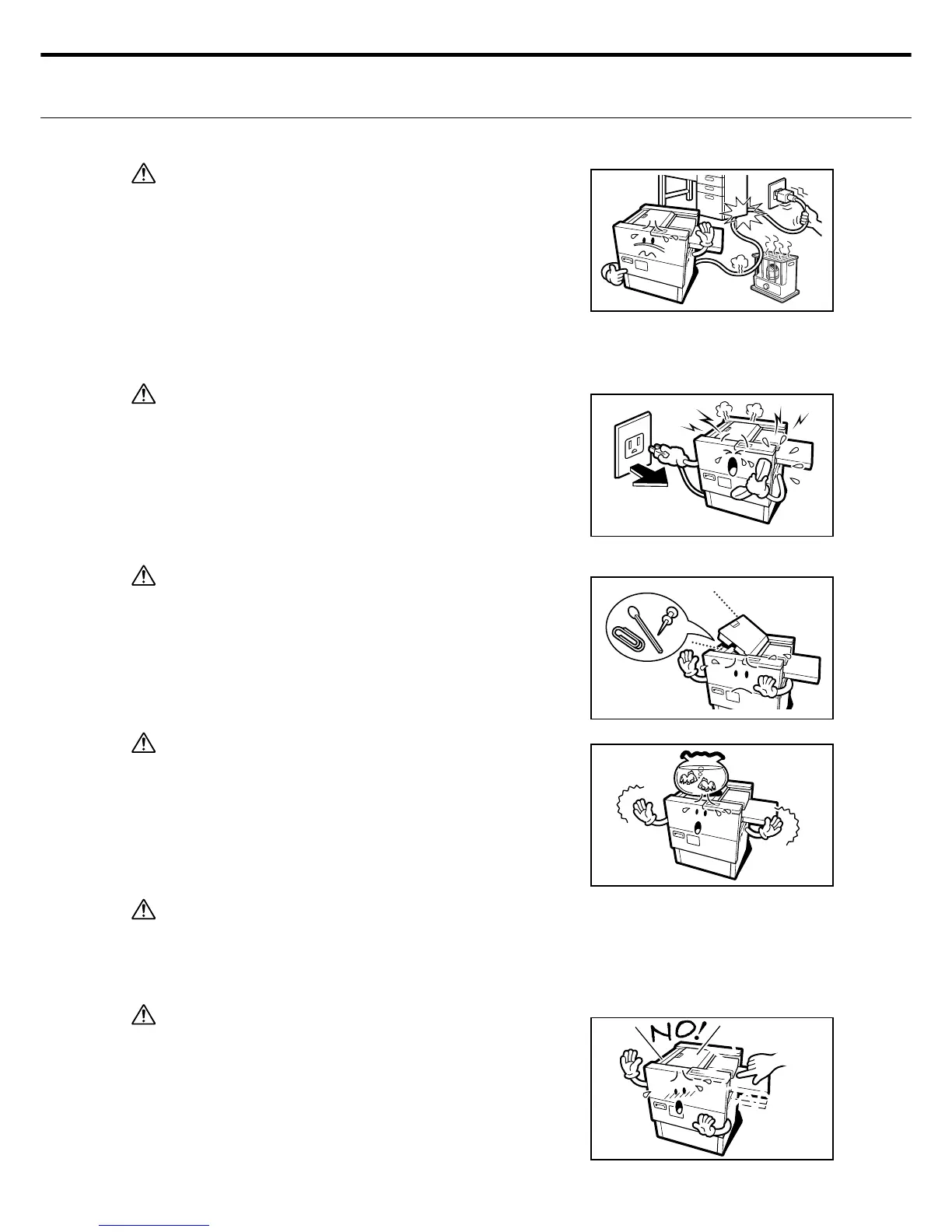
6. Handle the power cable carefully.
Do not place heavy objects on the power cable. Do not
install the power cable near heaters. A damaged cable
may cause machine failures and become a fi re or electrical
shock hazard.
Using excess force when bending or pulling on the power
cable or attempting to modify the power cable will create
fi re or electrical shock hazards. If the power cable is worn
or damaged contact the dealer or service representative.
Warning
7. Disconnect the power cable immediately if trouble or abnor-
mal situations occur.
Do not attempt to use the machine under abnormal condi-
tions such as unusual sounds, odors or smoke, etc. Doing
so might create fi re or electrical shock hazards. If abnor-
mal conditions occur remove the power cable from the
socket and contact your dealer or service representative.
Warning
8. Do not let foreign substances penetrate inside the machine.
If metal or infl ammable material get inside the machine they
might create fi re or electrical shock hazards. If this hap-
pens, remove the power cable from the socket and contact
your dealer or service representative.
Warning
9. Do not place metals or containers with liquid inside on top
of the machine. If these substances make contact with
electrical parts inside the machine it might create fi re or
electrical shock hazards. If such substances should get in-
side the machine immediately pull out the power cable and
contact your dealer or service representative.
Warning
10. Always fi rst turn off the power before attempting to replace
the rotary blade. Failure to do may result in injuries and/or
electrical shock.
Warning
11. Do not let your hands or fi ngers near the paper feed area
while the tray is rising. You might be injured if your fi ngers
become caught in the machine.



 To Next Page