4
Caution
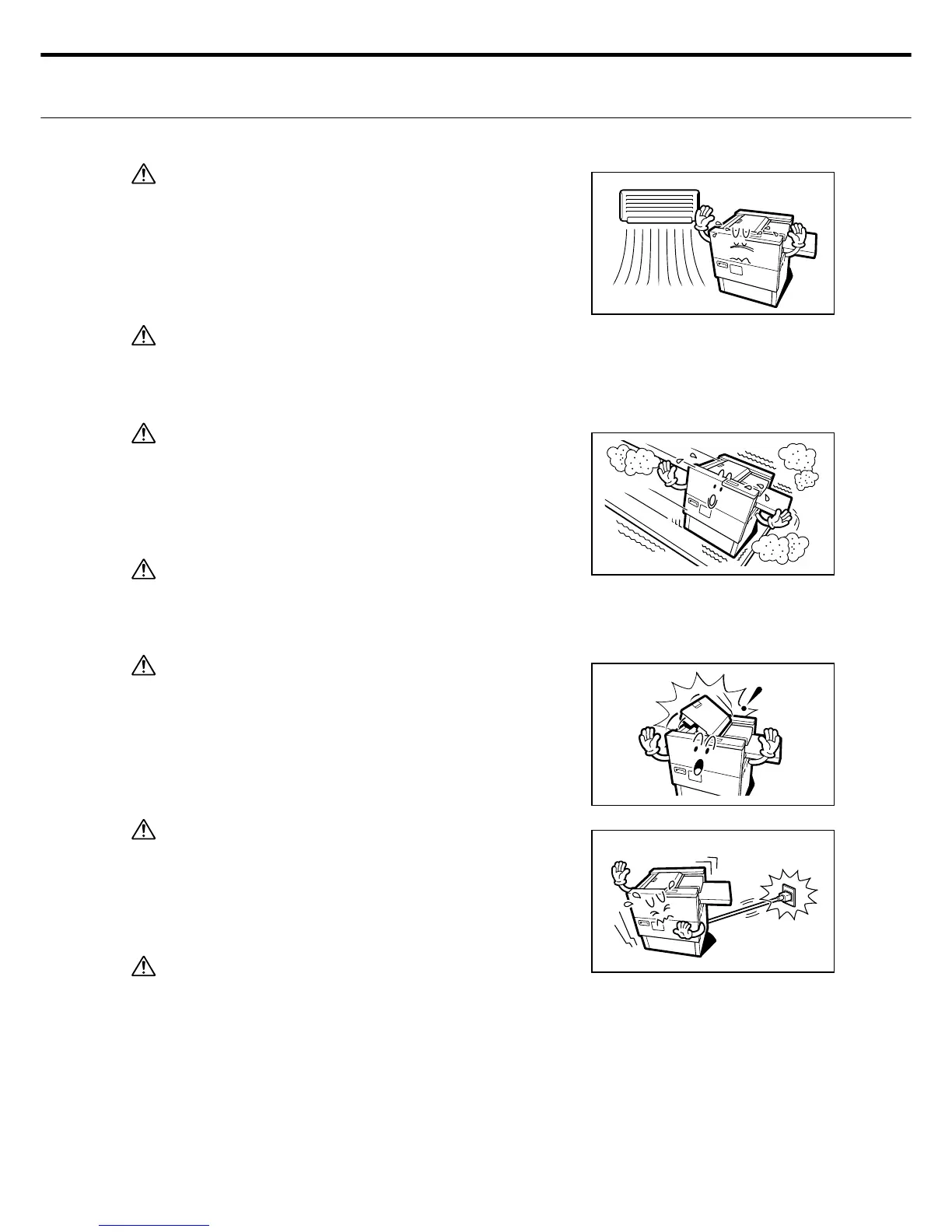
1. Do not install the machine in areas with high temperatures
and humidity or low temperatures and humidity. Do not
install in locations subject to direct air fl ow from an air con-
ditioner.
Caution
2. Do not install the machine in areas where volatile gases
such as ammonia might be generated.
Caution
3. Do not install the machine in locations that are unstable or
not level (within 1 degree of surface level). Doing so may
cause the printer to fall over and sustain damage. Do not
install in locations with large amounts of dust.
Caution
4. Leave an adequate space around the outlet (socket) so the
power plug can be quickly pulled out in an emergency.
Caution
5. Do not open any part of the printer during operation.
Doing so may cause equipment malfunctions or abnormal
operation.
Caution
6. Be sure to disconnect all external cables before attempting
to move the machine.
A damaged power cable might cause fi res or electrical
shocks.
Caution
7. Grip the power cable by the plug body when pulling it out of
the electrical outlet (socket).
Never attempt to remove it by pulling on the cord. A dam-
aged power cable might cause fi res or electrical shocks.



 To Next Page