5
Caution
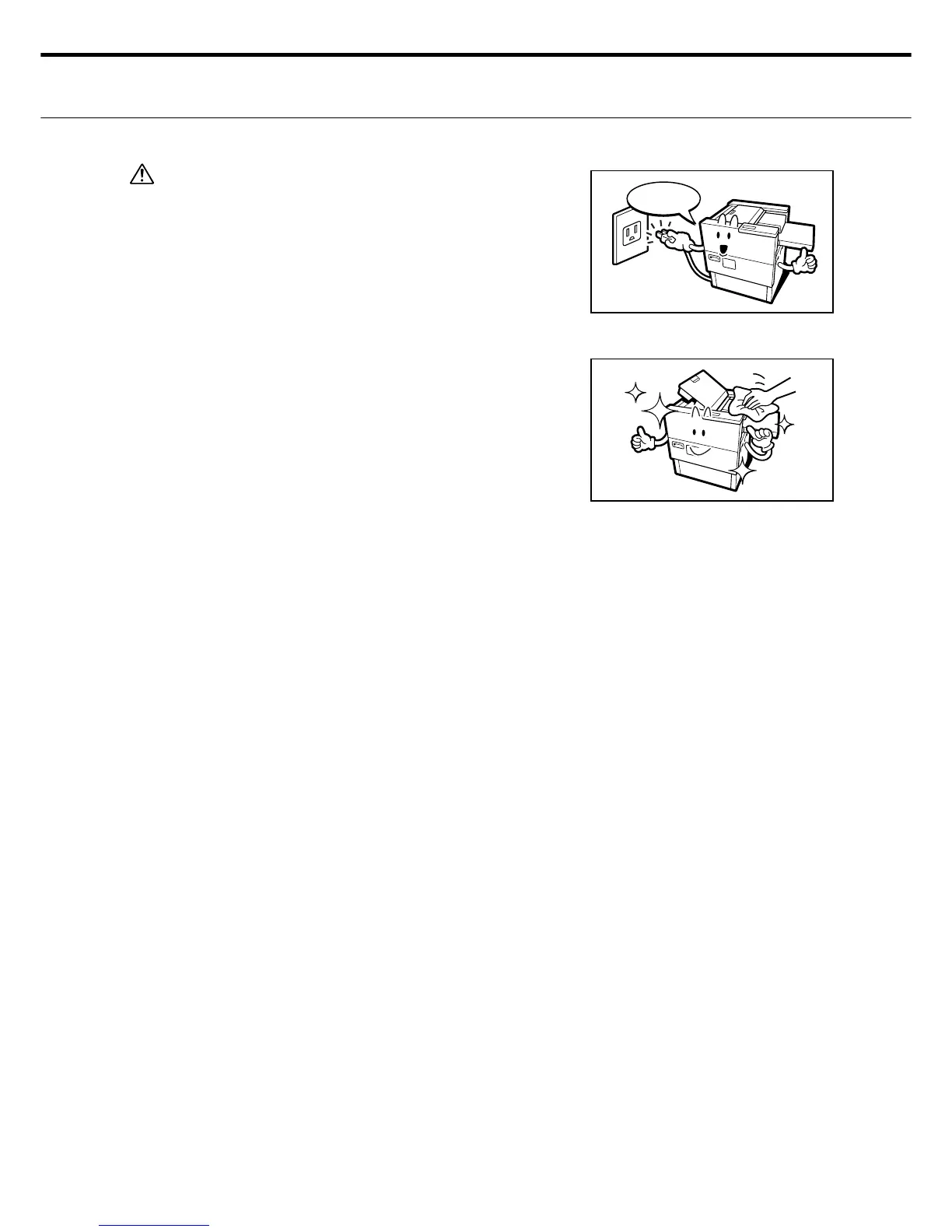
8. Keep the power plug clean. Check for any damage or
dirt on the power plug by disconnecting it from the socket
at periodic intervals. Damaged cables or accumulated
dirt or grime on the cable might cause fi res or electrical
shocks.
Advice
1. Cleaning the printer at regular intervals is strongly recom-
mended.
Dirt, dust or grime that accumulate on or around the ma-
chine might badly effect machine performance. Clean the
machine at regular scheduled maintenance periods.
2. Labels attached to the machine
Various yellow warning and caution labels can be seen on
the machine. These labels give important information on
machine operation and daily maintenance that require par-
ticular attention. Comply with instructions listed on these
labels to obtain maximum machine performance.
Check!



 To Next Page