MiiNePort E2/E3 Utility Console and Driver Installation
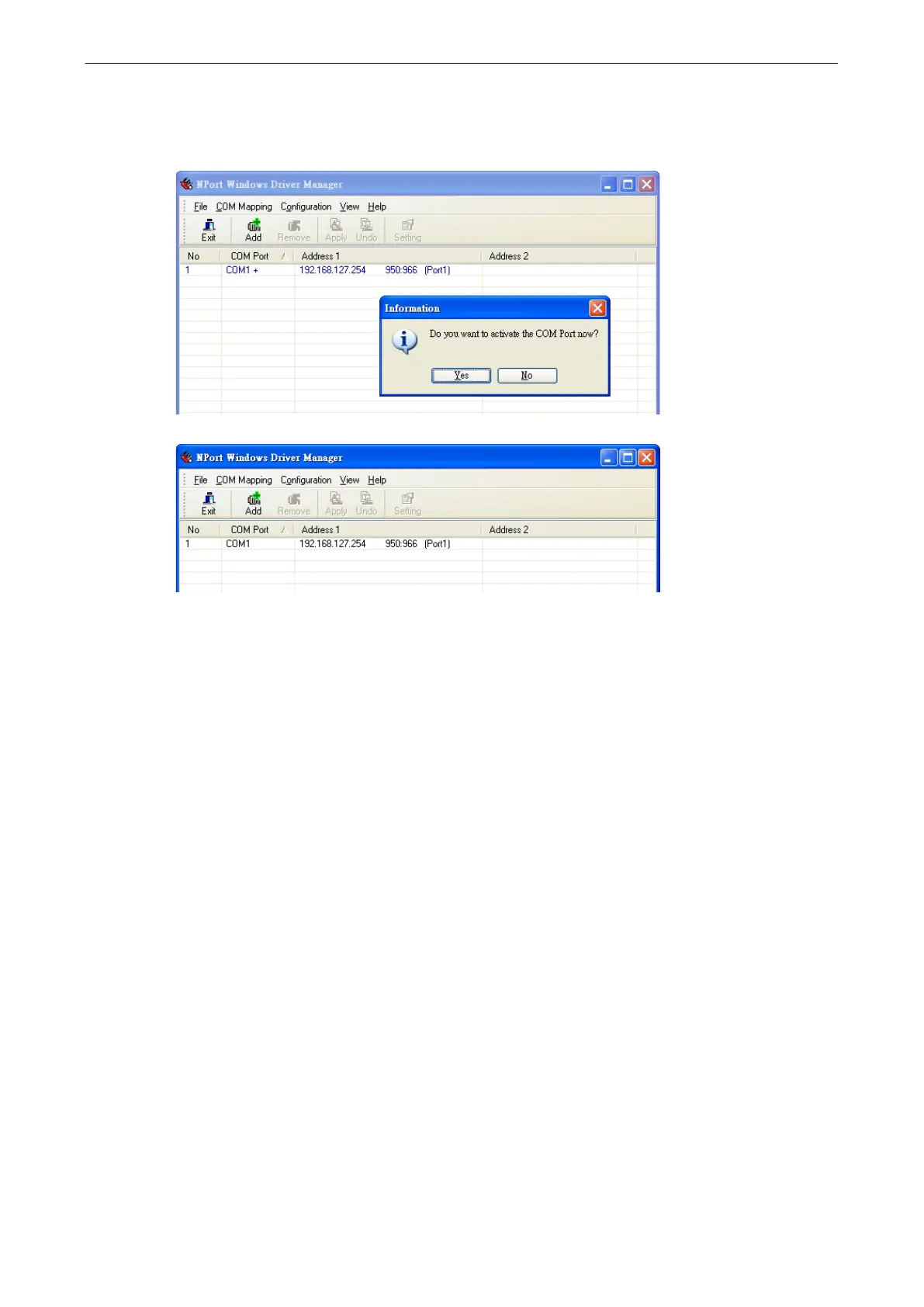
5. COM ports and their mappings will appear in blue until they are activated. Activating the COM ports saves
the information in the host system registry and makes the COM port available for use. The host computer
will not have the ability to use the COM port until the COM ports are activated. Click Yes to activate the COM
ports at this time, or click No to activate the COM ports later.
6. Ports that have been activated will appear in black.



 To Next Page