MiiNePort E2/E3 Web Console Configuration
No. AT command Description Remarks
21 AT&V View settings
22 AT&W Write current settings to flash for next boot-up
S Registers
No. S Register Description & default value Remarks
1 S0 Ring to auto-answer (default=0)
2 S1 Ring counter (always=0) no action applied
3 S2 Escape code character (default=43 ASCII “+”)
4 S3 Return character (default=13 ASCII)
Line feed character (default=10 ASCII)
6 S5 Backspace character (default= 8 ASCII)
7 S6 Wait time for dial tone (always=2, unit=sec) no action applied
8 S7 Wait time for carrier (default=3, unit=sec)
9 S8 Pause time for dial delay (always=2, unit=sec) no action applied
10 S9 Carrier detect response time (always=6, unit 1/10 sec) no action applied
11 S10 Delay for hang up after carrier (always=14, unit 1/10 sec) no action applied
12 S11 DTMF duration and spacing (always=100 ms) no action applied
13 S12
Escape code guard time (default=50, unit 1/50 sec), to control the
idle time for “+++”
TCP alive check time
Setting Factory Default Necessity
0 to 99 min 7 min Required
0 min: The TCP connection is not closed due to an idle TCP connection.
1 to 99 min: The module automatically closes the TCP connection if there is no TCP activity for the given time.
After the connection is closed, the module starts listening for another host’s TCP connection.
Local TCP port
Setting Factory Default Necessity
1 to 65535 4001 Required
The Local TCP port is the TCP port that the MiiNePort uses to listen to connections, and that other devices
must use to contact the MiiNePort. To avoid conflicts with well-known TCP ports, the default is set to 4001.
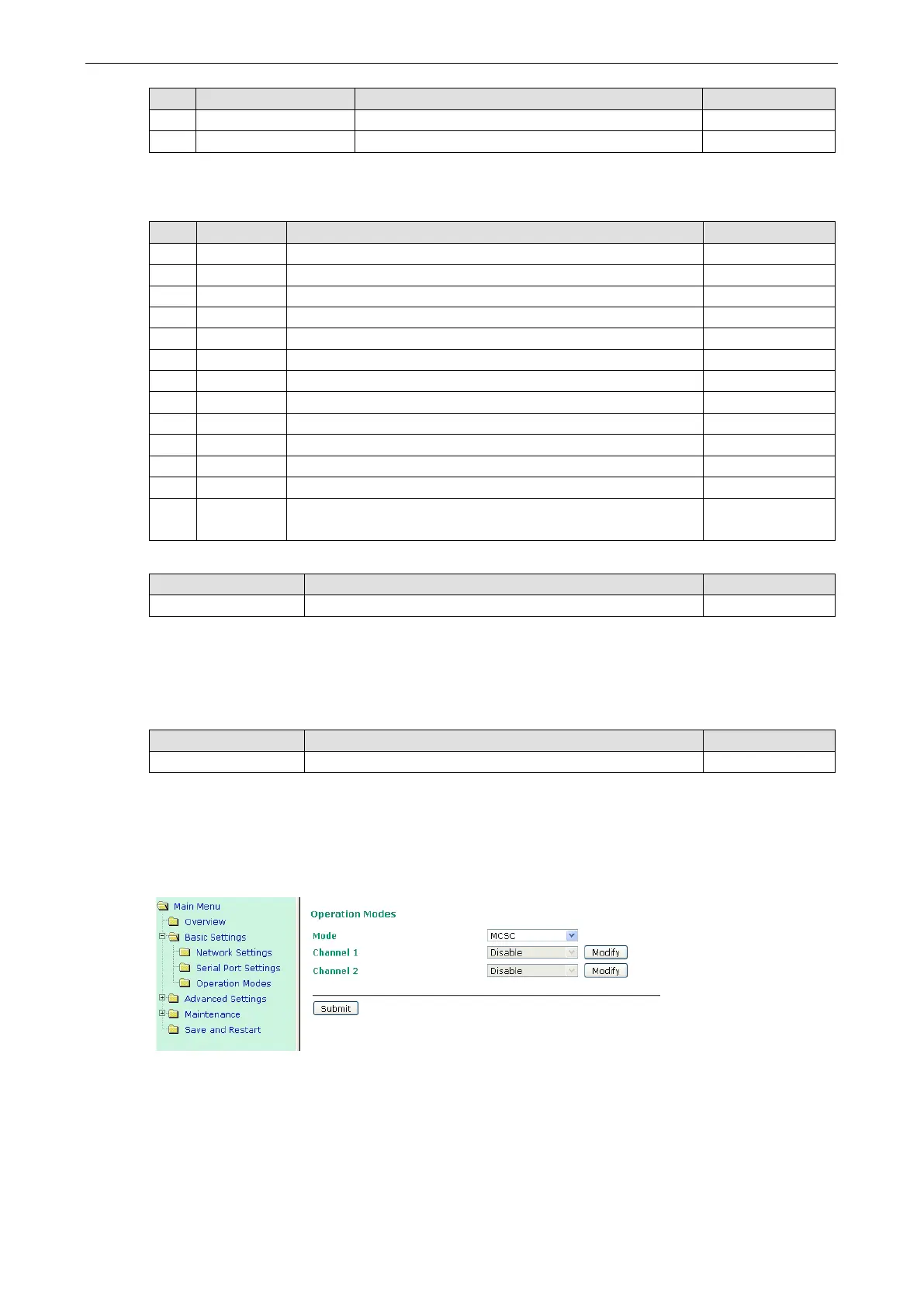
MCSC Mode
After selecting MCSC mode, you will be able to configure Channel 1 and Channel 2. MCSC mode is designed so
that the two channels work independently. Click the Modify button of a channel to update the channel’s
configuration.



 To Next Page